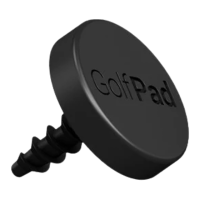
Why does the screen stay on when Golf TAGS are enabled?
Most Android phones power down NFC radio automatically when the screen is
turned off. Golf Pad uses a patent-pending SmartLock mode to keep both screen
and NFC active, while blocking on-screen controls to avoid accidental inputs.
You can also see the distance to the target and change current hole right in
SmartLock mode, without unlocking the phone. Please see this page for more
information about using SmartLock during the round.
What about battery life?
Golf Pad automatically turns down screen brightness while in Smart Lock mode.
As a result, it only takes 10-20% more battery compared to playing a round
without Golf Tags. Most people can complete a full 18-hole round with battery to
spare.
How to re-assign a TAG to a different club?
Just open Golf Pad settings / Golf TAGS and scan the TAG you need to
re-assign. You will be prompted to select the new club for this TAG.


 To Next Page
 Loading...