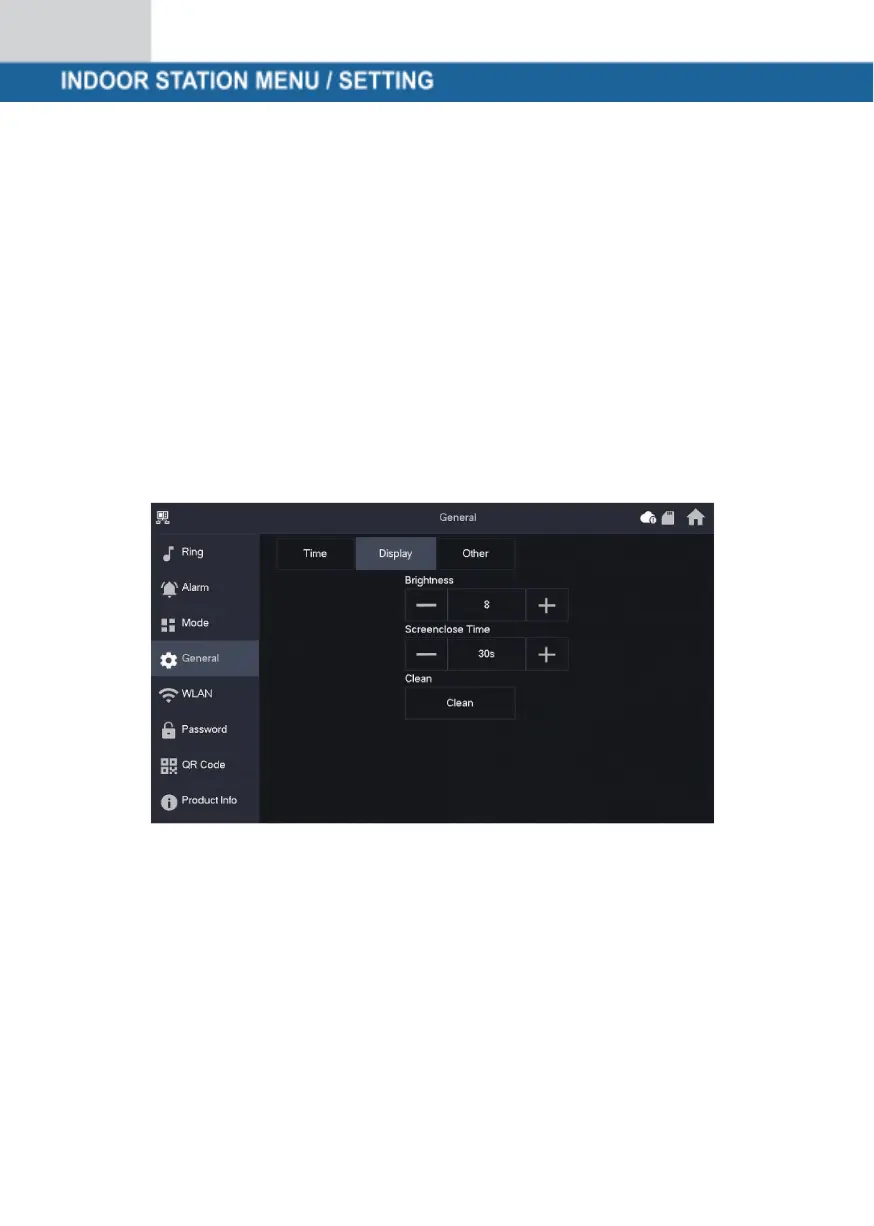
Display
Brightness:
The brightness of the VTH screen. If the screen display is brighter or darker than
expected, you can adjust the brightness by tapping + or -.
Screen switch-off time (Screenclose Time):
The screen will automatically switch off when it reaches the idle time limit. If this is
longer or shorter than your expected time, you can adjust the time by tapping + or
-.
Clean (Clean):
Tap the icon and the screen will lock for 30 seconds. You can clean the screen
during this time.



 To Next Page