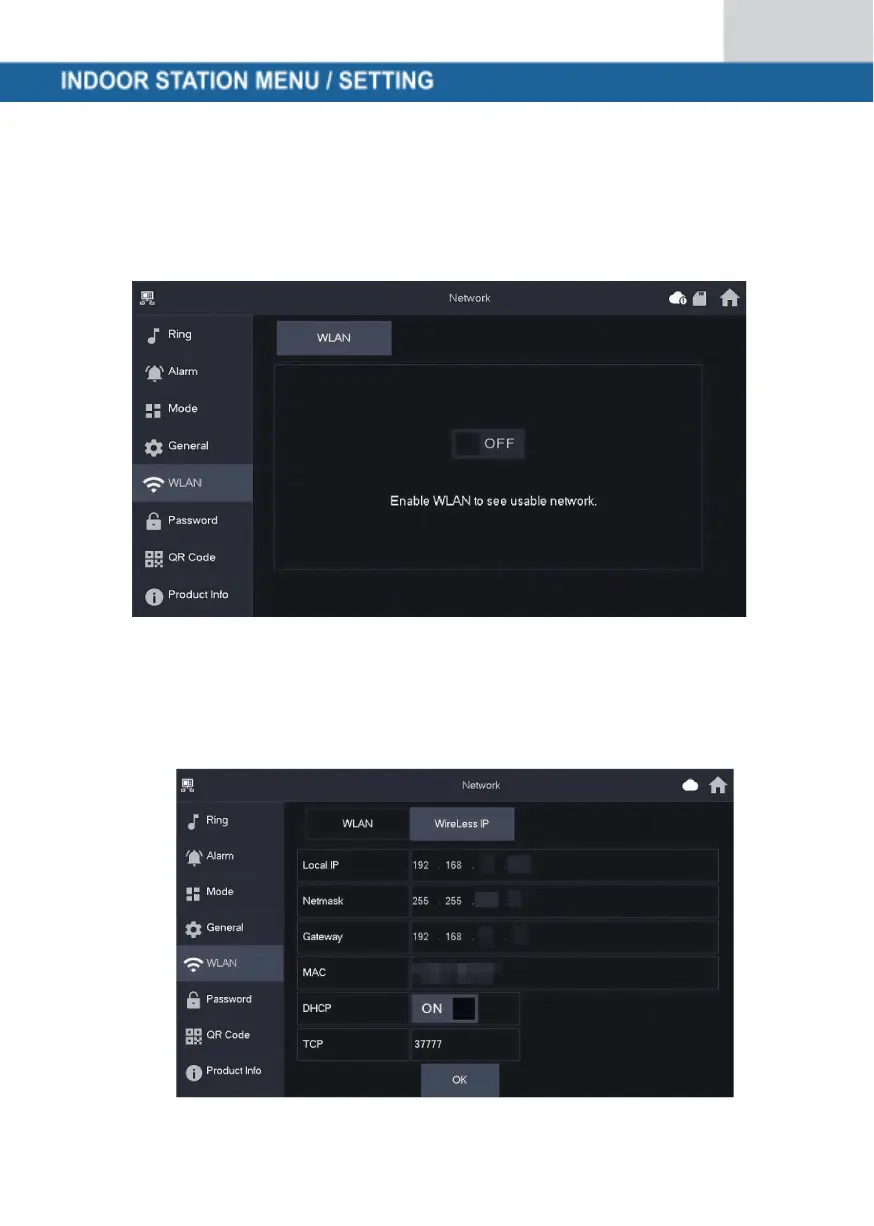
Wireless (WLAN)
Go to Settings → Wireless (WLAN)
Step 1: Activate the WLAN function
Step 2: Select your network and enter your WLAN password
Wireless IP (Wireless IP)
Once the WLAN has been switched on and connected, you can specify an IP
address here.
We recommend that you leave DHCP switched on.



 To Next Page