5
3.3 Operation Settings
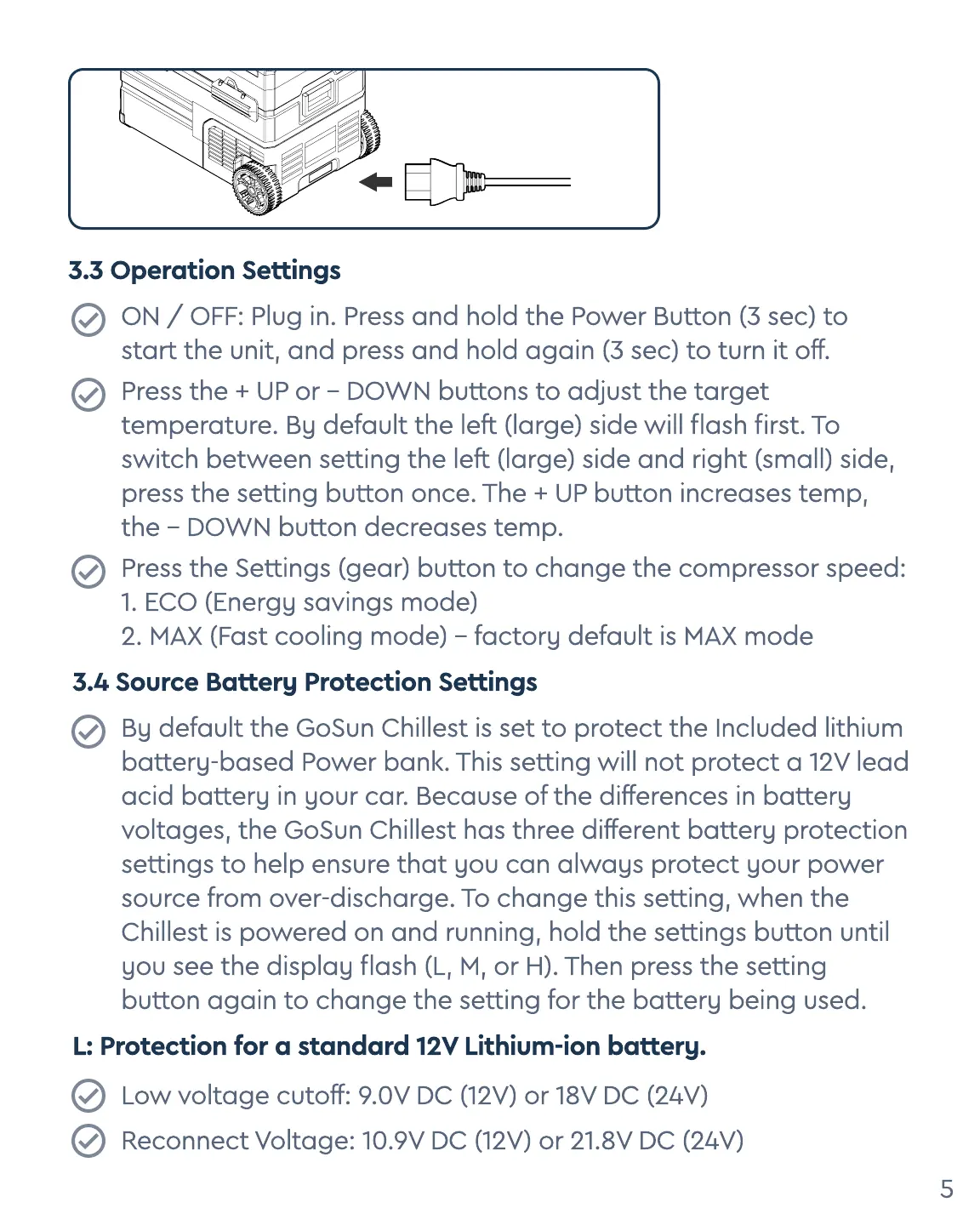
ON / OFF: Plug in. Press and hold the Power Button (3 sec) to
start the unit, and press and hold again (3 sec) to turn it off.
Press the + UP or - DOWN buttons to adjust the target
temperature. By default the left (large) side will ash rst. To
switch between setting the left (large) side and right (small) side,
press the setting button once. The + UP button increases temp,
the - DOWN button decreases temp.
Press the Settings (gear) button to change the compressor speed
1. ECO (Energy savings mode
2. MAX (Fast cooling mode) - factory default is MAX mode
3.4 Source Battery Protection Settings
By default the GoSun Chillest is set to protect the Included lithium
battery-based Power bank. This setting will not protect a 12V lead
acid battery in your car. Because of the differences in battery
voltages, the GoSun Chillest has three different battery protection
settings to help ensure that you can always protect your power
source from over-discharge. To change this setting, when the
Chillest is powered on and running, hold the settings button until
you see the display ash (L, M, or H). Then press the setting
button again to change the setting for the battery being used.
L: Protection for a standard 12V Lithium-ion battery.
Low voltage cutoff: 9.0V DC (12V) or 18V DC (24V
R
eco
nn
ect Voltage: 10.9V DC (12V) or 21.8V DC (24V)


 To Next Page
 Loading...