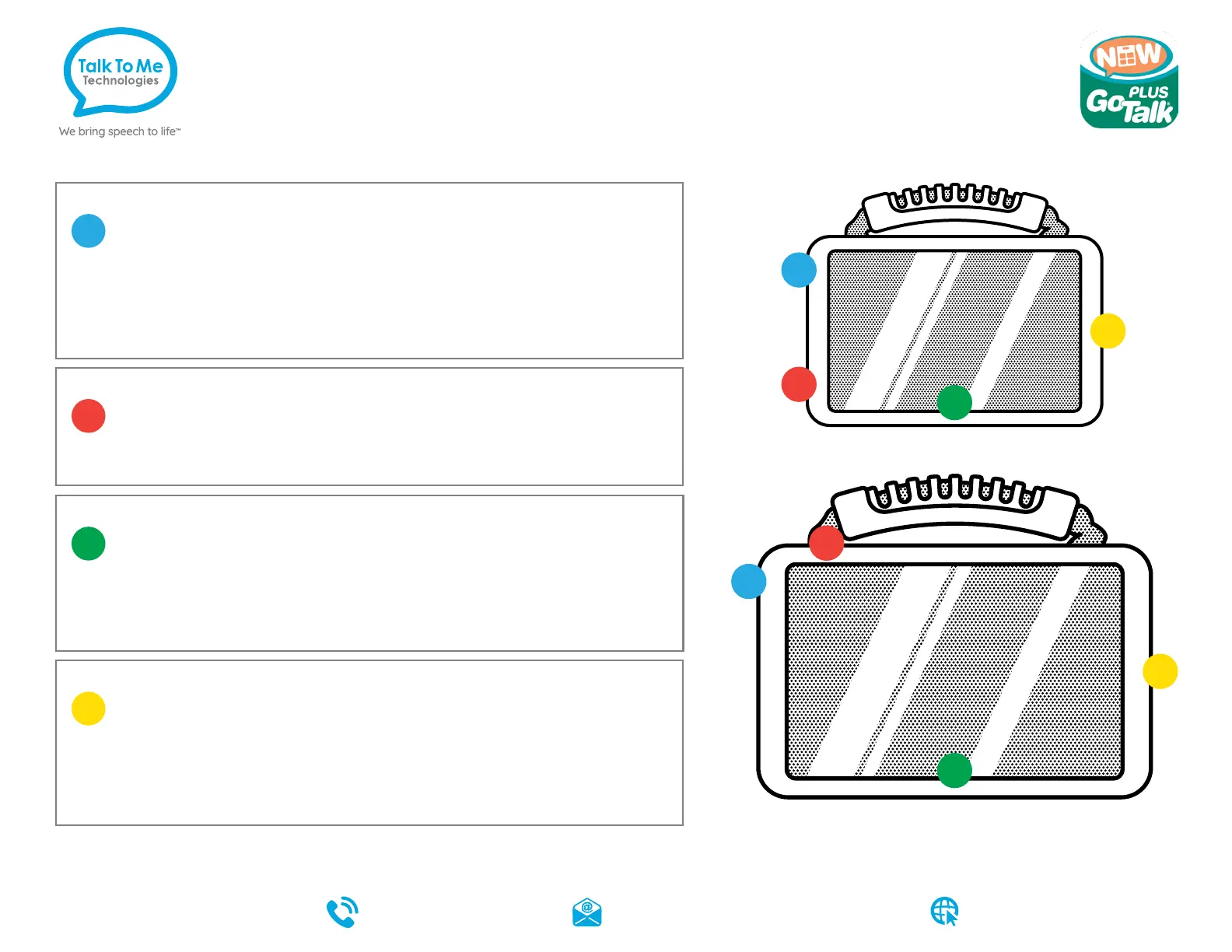
Hardware, Buttons
& Features
1
Power
Press and hold this button (plus a volume button on some
models) to turn the device on or off.
Note: Press this button one time while the wego A is on to put it into “Sleep” mode. This feature
will conserve battery life when the wego A is not in use.
2
Volume
Use these buttons to increase or decrease volume level.
3
Home
Swipe up from the bottom to view the Home screen.
Note: If your wego A model has a circular button to right of the screen, it will perform
the same function.
4
Charging the wego A
Charge device and TTMT Speaker (SPKR) at night or when not in
use. Please only use a TTMT-approved charger with your device.
Note: Pull down the tab to reveal the device charging port.
wego 7A-D
wego 10A-D & 13A-D
Need help?
877.392.2299 Option 3 support@talktometechnologies.com
talktometechnologies.com



 To Previous Page