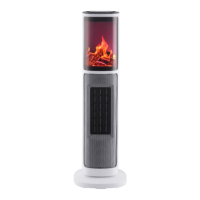
1. Please check before you use:
2. Use the fan heater on the flat place to avoid being toppled.
3. Function for control panel:
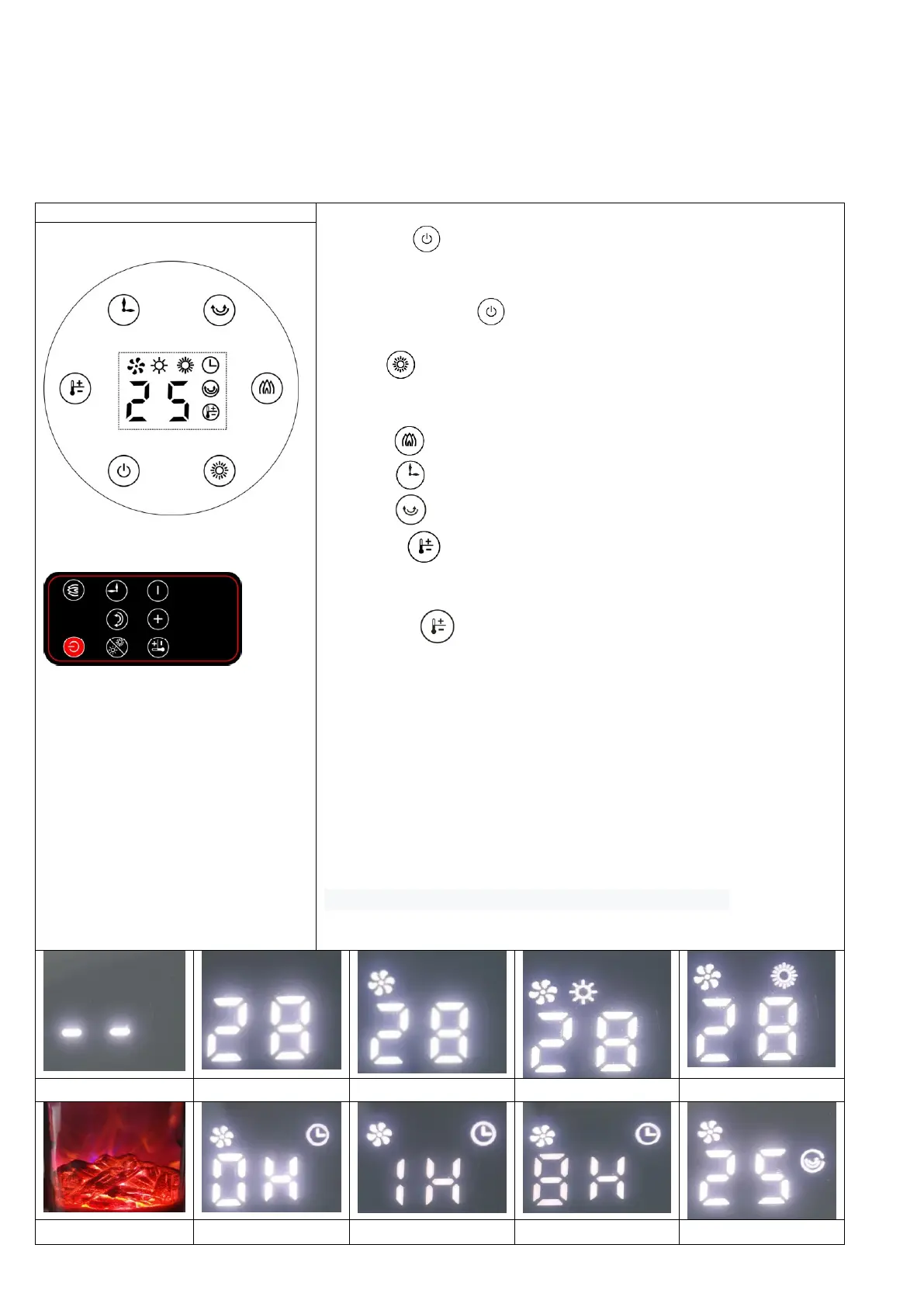
1、Turn on the power switch, LED display “--”; See picture 1.1
2 、 Press “ ” as follows : ON(standby), LED display Environment
temperature, OFF(Fan keep working for 30 seconds when shutdown the
appliance after heating, LED display “--” ), see picture 2.1;
Note: only press “ ” to ON(standby, LED display Environment
temperature), then can start heating, setting temperature, flaming.
3、Press “ ”as follows:FAN working, Low heat(1400W), High heat(2000W),
Stop heating(Fan keep working for 30 seconds, LED display Environment
temperature, standby);see picture 3.1-3.3
4、Press “ ”as follows:Flame ON, Flame OFF;see picture 4.1
8、Press “ ”:to set timer as follows: 1H,2H,3H.....8H;See picture 5.1-5.3
9、Press “ ”:to set SWING ON, SWING OFF;see picture 6.1
10、Press “ ” to set temperature, Temperature range: 18-45℃;see
picture 7.1-7.2
7.1When use remote control to set temperature,
7.1.1Press “ ” on remote control first,
7.1.2Then press “+” “-” to set temperature.
Note: In set temperature mode, if want to set temperature again, you only
need to press “+” “-” directly to set temperature.
8、For example, Environment temperature is 25 ℃. See picture 8.1
Set temperature is equal to or lower than Environment temperature,
appliance will stop heating. See picture 8.2-8.3
Set temperature is 1-2℃ higher than Environment temperature, appliance
will low heat. See picture 8.4-8.5
Set temperature is higher or equal to Environment temperature+3℃,
appliance will high heat. See picture 8.6
9、When the appliance is tilted>50 degree, then the power cut off
automatic.
10、The operation method of the remote control is the same
Note: The indicator lights when corresponding function is working.


 To Next Page
 Loading...