Page 2
Activating on DStv Mobile
STEP 1. Ensure your Android device is switched
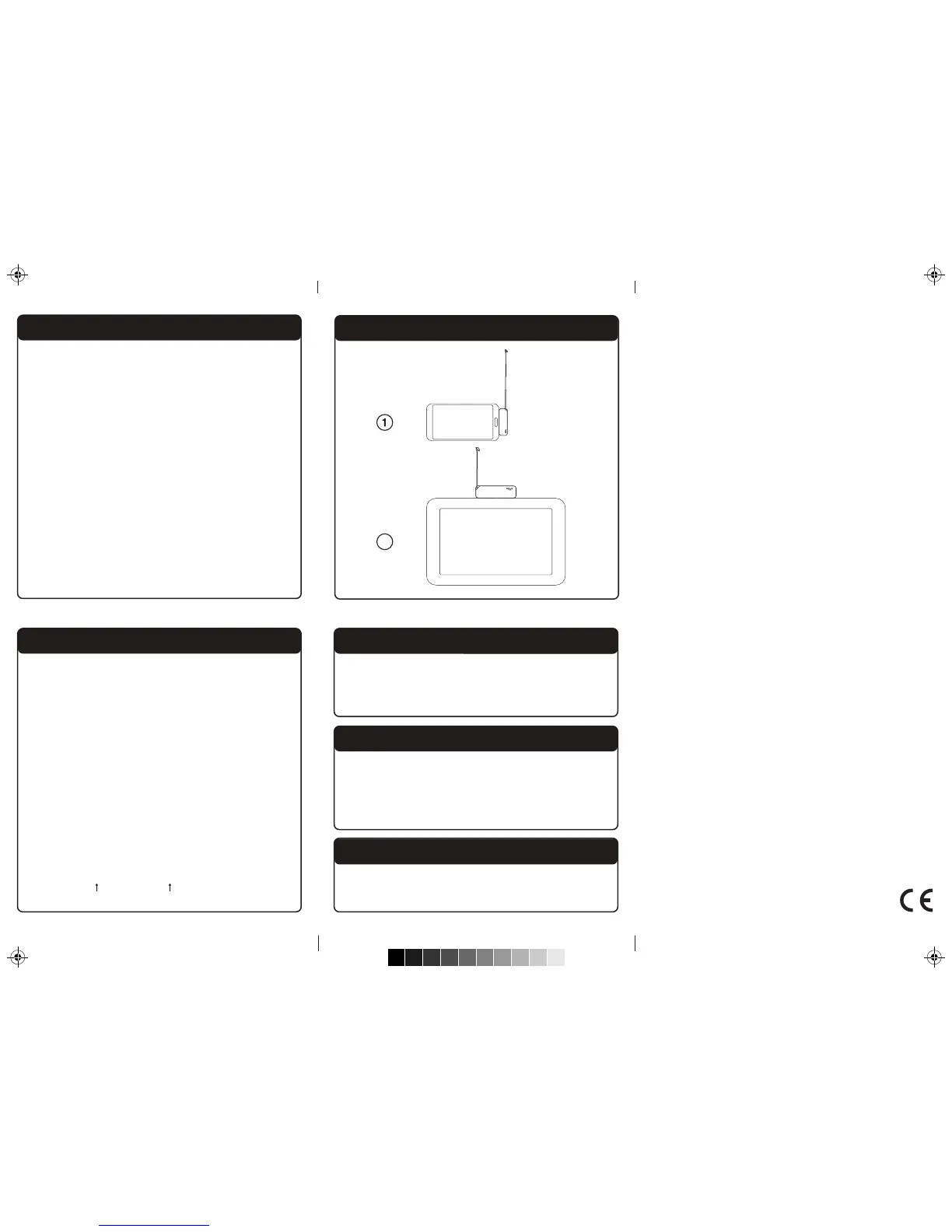
on, then plug your Drifta into your
Android device.
STEP 2. Call the relevant MultiChoice customer
care number:
South Africa: +27 11 289 2222
Ghana: +233 302 740 540
Kenya: +254 20 444 9000
Namibia: +264 61 270 5222
Nigeria: +234 1 270 3232
Uganda : +256 31 224 5245
STEP 3. Provide the customer service
representative with your serial and CAS
numbers found on the back of your
Drifta.
Fold
Fold
Activate your Drifta on the GOtv Mobile service
by texting 'ACTM', the device CAS number
(found on the back of the Drifta) and your
mobile phone number to the number specic
to your country.
Nigeria: 4688
Ghana: 4688
Kenya: 4688
Namibia: 44688
Uganda : 6488
For example,
ACTM 4111111111 0831112223
(CAS No.) (Mobile No.)
Activating on GOtv Mobile
Resetting the Drifta
If you experience an error with you Drifta, you
can reset it. To do this, unplug the Drifta from
you Android device, wait 10 seconds and then
re-plug the Drifta into the Android device.
More Information
For more information, updated applications and
additional Drifta information, go to
www.dstvmobile.com or www.gotvafrica.com
Updating the Firmware
Occasionally DStv Mobile will oer a rmware
upgrade for the device. If you plug the Drifta into
your Android device and see the rmware
upgrade screen, please follow the on screen
instructions.
Correct Antenna Reception Angle
2
C
M
Y
CM
MY
CY
CMY
K


 To Previous Page
 Loading...