Note:
Picture for reference purposes only;
Please prevail in kind.
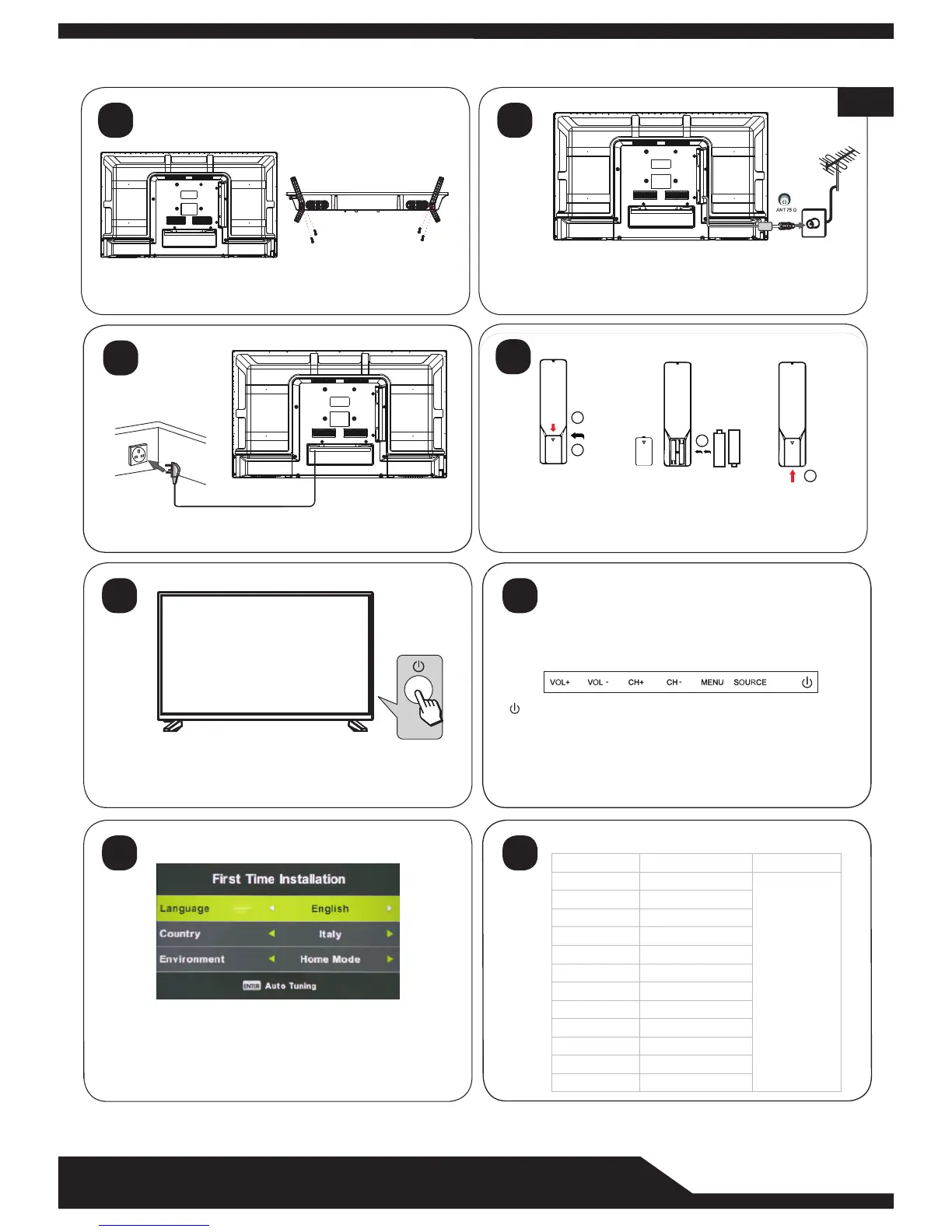
Insert the stand into the bottom of the LED TV body and
tighten the screws.
First Time Installation
1.TV will enter First Time Installation( or press MENU on remote,
select SETUP〉First Time Installation)
2.Follow the on-screen steps to setup language,country
and channel scan.
Switch on the TV by pressing the power button on the side
of the TV or on the remote control.
(The LED will change from red to green)
Connect the power cord into a suitable wall socket and
switch on.
7
5
3
1
TV Buttons:
:Turn ON/OFF Power.
SOURCE:External Signal Input Selection.
MENU:Display Main MENU And Confirm MENU Item Selection.
CH+/-:Select Channel.
VOL+/-:Adjust Volume.
Note: The following is only functional schematic. The actual position and
arrangement of the buttons may differ by model.
Insert the aerial cable into the RF socket.
Push
Open
1
2
3
4
+
+
-
-
1.Open the battery compartment cover on the back side;
2.Insert two 1.5V batteries of AAA type with correct polarity.
3.Close the battery compartment cover on the back side
8
6
4
2
39”/40”
power Consumption
36W/48W
36W/48W
36W/48W
36W
56W/65W/100W
60W/70W/76W
67W/70W/95W/100W
65W/80W
100W/108W/135W
100W/135W/140W/160W
159W/165W/195W
36W/48W
Screen Size
19”
20”
22”
24”
32”
42”
43”
50”
55”
65”
Main accessories
User's manual x1
Remote controller x1
Power cord x1
AAA Batteries x2
28”
Specifications:
EN


 To Next Page
 Loading...