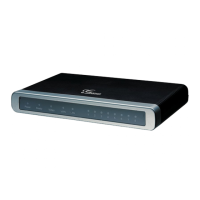
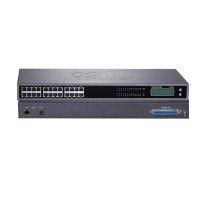
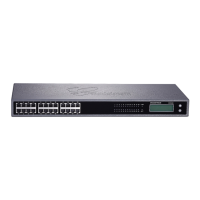
Figure 4-5. Apply Configuration
8. Configure an IP Phone with the same settings to register it with Elastix Server.
9. Now we will configure an Outbound Route for outgoing calls depending on a prefix.
For this we have to configure a SIP Trunk first. Go to “PBX => PBX Configuration =>
Trunks”. Click on “Add SIP Trunk”, then “Submit” (Figure 4-6). Set the following:
General Settings
• Trunk Name: (trunk801 in this example)
Outgoing Settings
Trunk Name: (801 in this example)
Peer Details:
host=dynamic
username=( 801 in this example)
secret=( qbp567BBd4GT in this example)
type=peer
insecure=very
qualify=yes
Figure 4-6. Add SIP Trunk


 To Next Page
 Loading...