6
CHAPTER 2
Installing the Grand Ultimate 2000
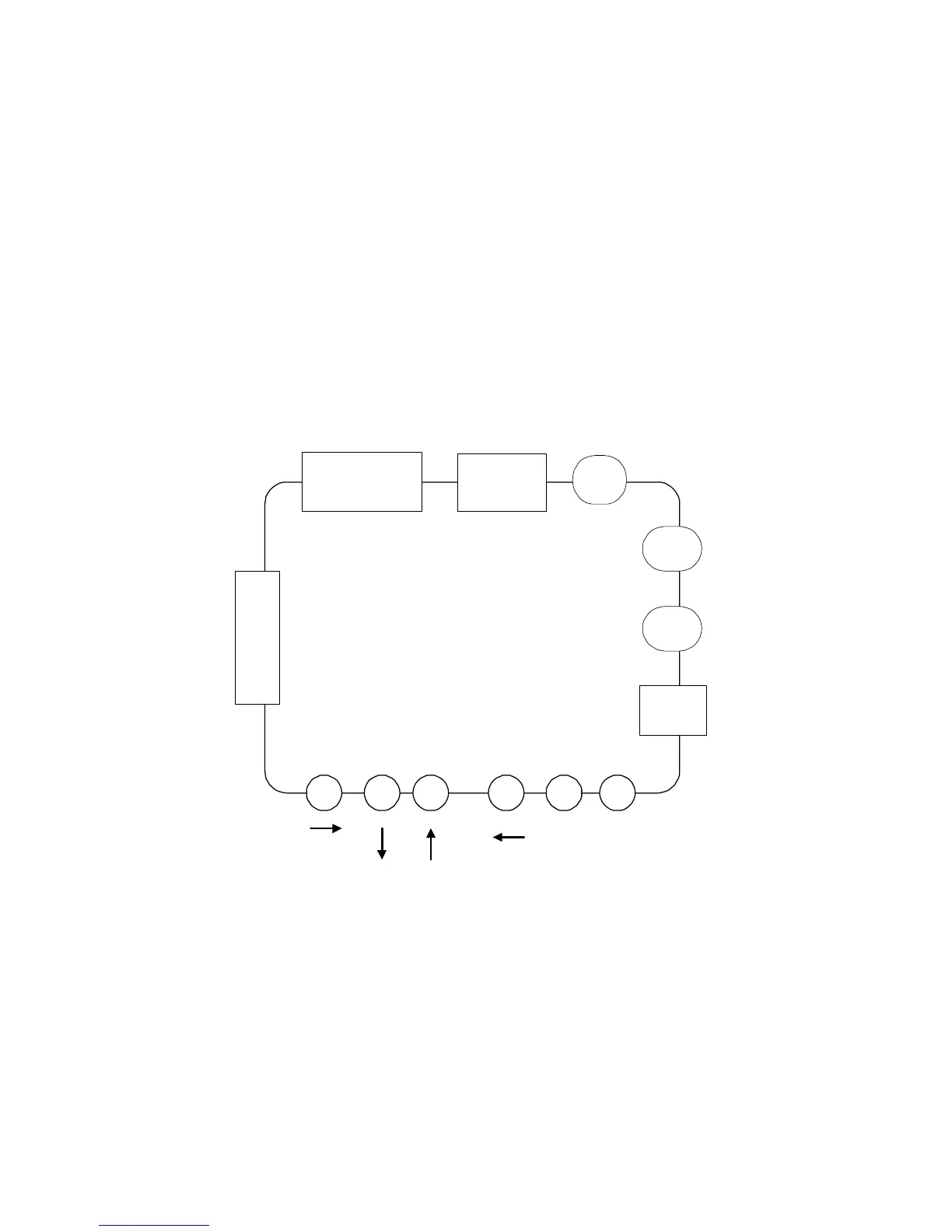
The following section shows the functions of the Grand Ultimate 2000.
Refer to Figure 1 for the outline of Grand Ultimate 2000.
IMPORTANT! Turn your computer OFF before connecting the Grand
Ultimate 2000.
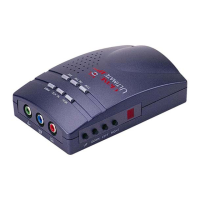
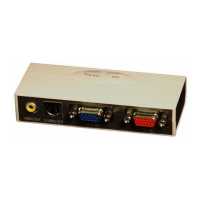
Figure.1 Outline of Grand Ultimate 2000
VGA IN / OUT
SIZE
ZOOM
VIDEO OUTS-VIDEO OUTRGB / YUV OUT



 To Next Page