DT-235 & DT-350 Quick User Guide
2
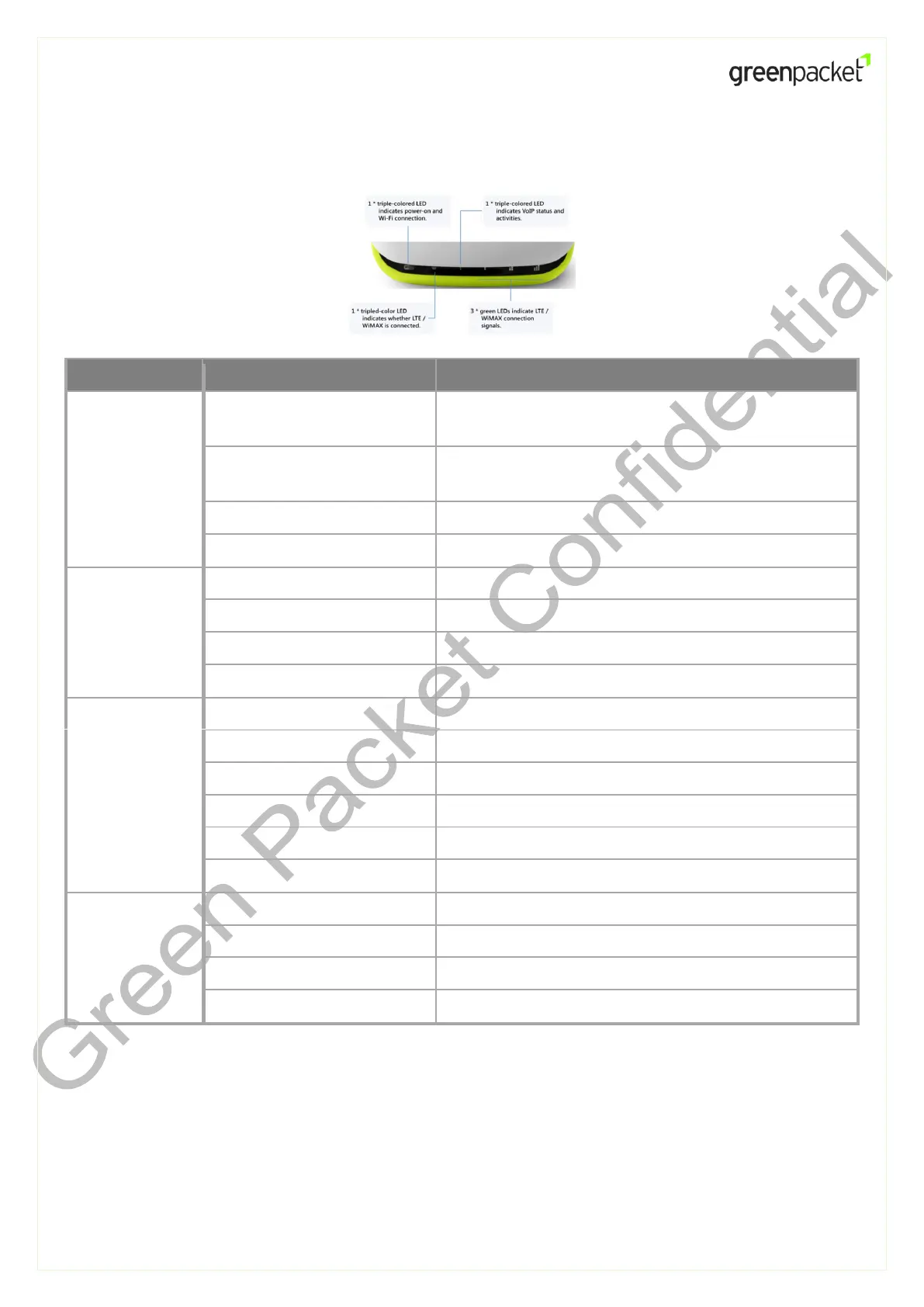
LED Indication
While power is supplied to the device.
System is booting, or Wi-Fi disabled.
Wi-Fi is enabled (while the BLUE power LED is always
ON; mixing blue & orange red)
Blinking purple (and blue)
When data is being transmitted via Wi-Fi
No power is supplied to the device
Scanning, connecting, finalizing LTE connection
LTE mode (camped on the LTE network).
Searching, connecting, finalizing WiMAX connection
WiMAX mode (camped on the WiMAX network).
Phone service registered and ready
New incoming call during conversation
Incoming voicemail waiting
Phone service not registered / disabled
LTE / WiMAX
Signal Strength
Getting your Device Ready for Connection
Step 1: Insert SIM Card (LTE Mode Only)



 To Next Page
 Loading...