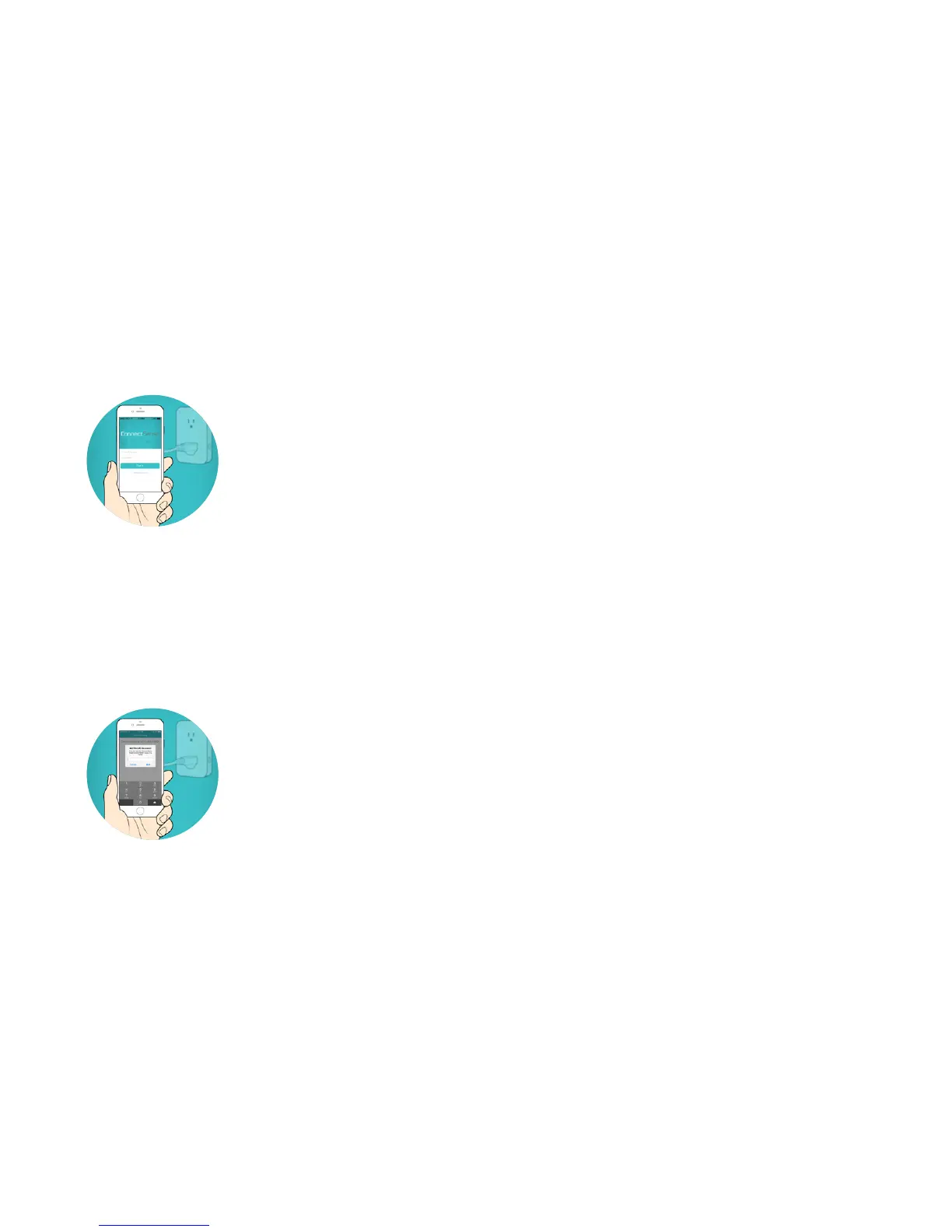
3. Download App + Sign In
• Download the ConnectSense app from the App Store or
connectsense.com/app
• Follow the steps to create a ConnectSense account or
sign in to your existing account
4. Add Device and Enter HomeKit Pin to Pair
• Click the + in the upper right hand corner to add a
new device
• Select ConnectSense Outlet-XXXXXX
• Enter your HomeKit Pin located on the back of your
outlet or on the card included in the box to complete the
pairing process



 To Next Page