WWW.GFWORLDWIDE.COM | +1 (208) 664-9291
4.3 WATER CANNON
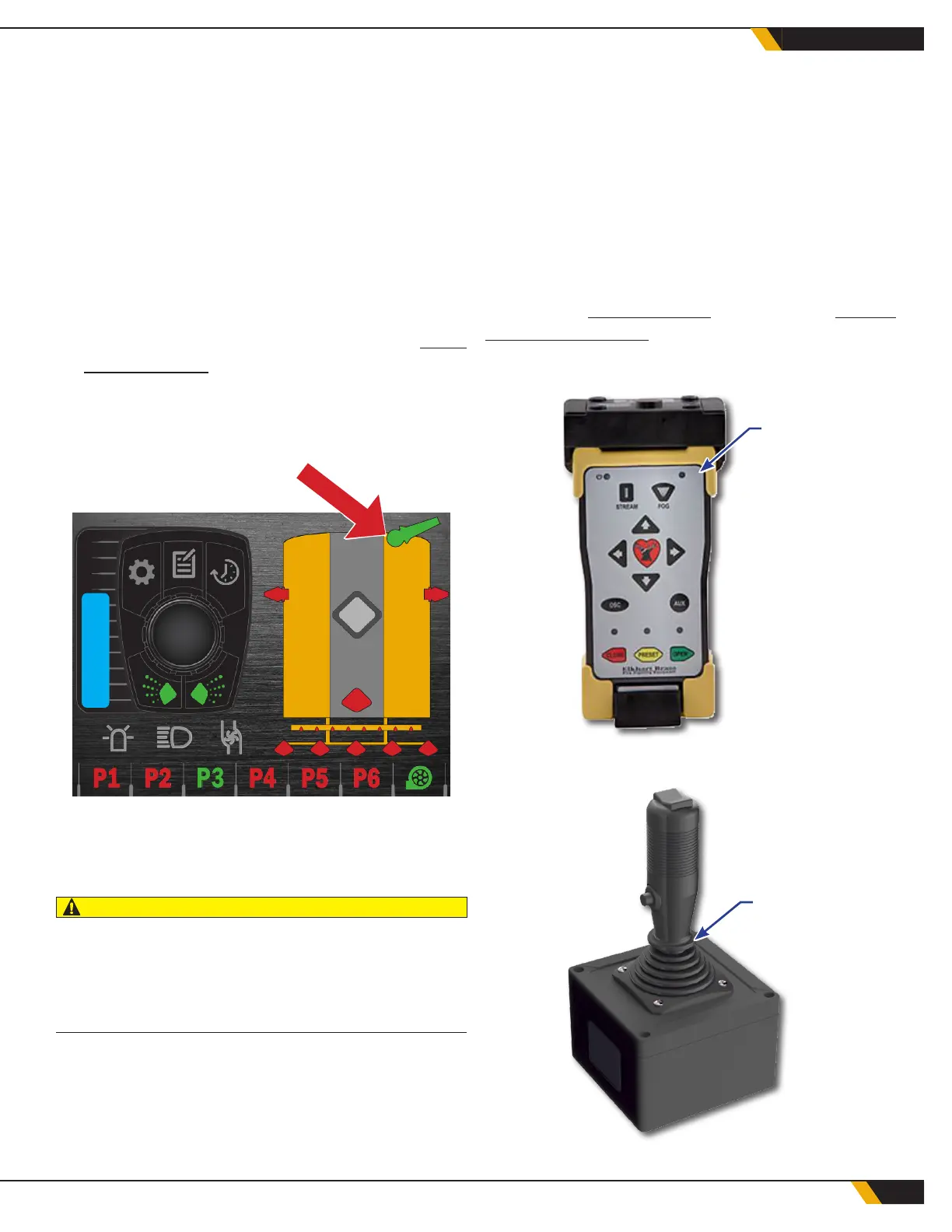
A water cannon, if installed, is typically mounted at
the front of the tank or on the front of the chassis.
Water cannon controls are located in the cab.
To operate the water cannon:
1. Ensure the Ground Force water tank is full and
the water pump is primed and started.
2. If a program utilizing the water cannon has
been saved, navigate to that program using
the Water Control System. (See the Water
Control System instructions for Edit Program.)
The operator can also use the 8-button keypad
to engage the water cannon. Each button will be
labeled with its function.
3. Once the water cannon valve is active, use the
cannon's controls (typically a joystick or push-
button remote) to direct the stream of water.
CAUTION
The water stream from the water cannon is very powerful.
Be sure that the water cannon is aimed away from equip-
ment susceptible to water damage and all personnel prior
to opening the water cannon isolation valve.
4. For most units, raising the engine speed will
increase the range of the water cannon. Use
engine speed in conjunction with the directional
controls to direct the water stream as desired.
5. Shut the water cannon isolation valve once its
use is no longer desired, or after the water pump
stops automatically as the tank empties.
6. Stop the water pump (if necessary) after the
water cannon isolation valve is shut.
7. Some water cannon directional controls
are programmable. If so, the programming
information is located with the other
manufacturer’s information.
Refer to the Parts Drawings section of the Parts &
Schematics Manual for more information.
21
OPERATION
WATER
CANNON
REMOTE
WATER
CANNON
JOYSTICK



 To Next Page