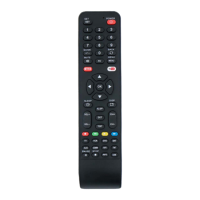
Remote control / User Manual
21 / 52 EN
8.1 Swing function
2s
Swing
Swing
The horizontal louver will swing up and down
automatically when pressing Swing button.
Press again to make it stop.
Keep pressing this button more than
2 seconds, the vertical louver swing function is
activated. (Some units)
Press Swing button
8.2 Airflow direction
If continue to press the SWING button, five
different airflow directions can be set. The
louver can be move at a certain range each
time you press the button. Press the button
until the direction you prefer is reached.
Swing
C
Note: When the unit is off, press and hold MODE and SWING buttons together for
one second, the louver will open for a certain angle, which makes it very convenient for
cleaning. Press and hold MODE and SWING buttons together for one second to reset
the louver (Some units).
8 How to use advanced functions



 To Next Page
 Loading...