ENGLISH
17
SETTINGS
----------------------------------------------------------------------------------------------------
Audio settings
1 Open the menu with »i«.
– The »PICTURE« menu is displayed.
2 Select the »SOUND« menu with »
–
« or »
+
« and confirm with
»
G«.
Note:
Additional operations are explained in the following sections.
Volume
1 Select »Volume« with »
V
« or »
Λ
« and adjust the setting with
»
–
« or »
+
«.
Balance
1 Select »Balance« with »
V
« or »
Λ
« and adjust the setting with
»
–
« or »
+
«.
Automatic volume
The television channels broadcast at different volumes. The automatic
volume limiting (AVL) function means the volume is kept the same
when you switch between channels.
1 Select »AVL« with »
V
« or »
Λ
« and then select »On« with »
–
« or
»
+
«.
Note:
If the »SRS« setting has been selected in the »Sound Mode« line,
the AVL line cannot be selected.
Stereo / two channel, mono
If the device receives two channel programmes, e.g. a film with the
original sound on sound channel B (display: »Dual II«) and the
dubbed version on sound channel A (display: »Dual I«), you can
select the sound channel you desire.
If the device receives stereo or Nicam programmes, it switches
automatically to stereo sound (display: »Stereo«).
You can switch the sound to »Mono« if the stereo reception
quality is poor.
1 Select »Sound Type« with »
V
« or »
Λ
« and adjust the setting with
»
–
« or »
+
«.
Stereo width
Widens the audio output for stereo programmes and improves the
sound with mono reception.
1 Select »Sound Mode« with »
V
« or »
Λ
«.
2 Press »
–
« or »
+
« to select the setting »Spatial«.
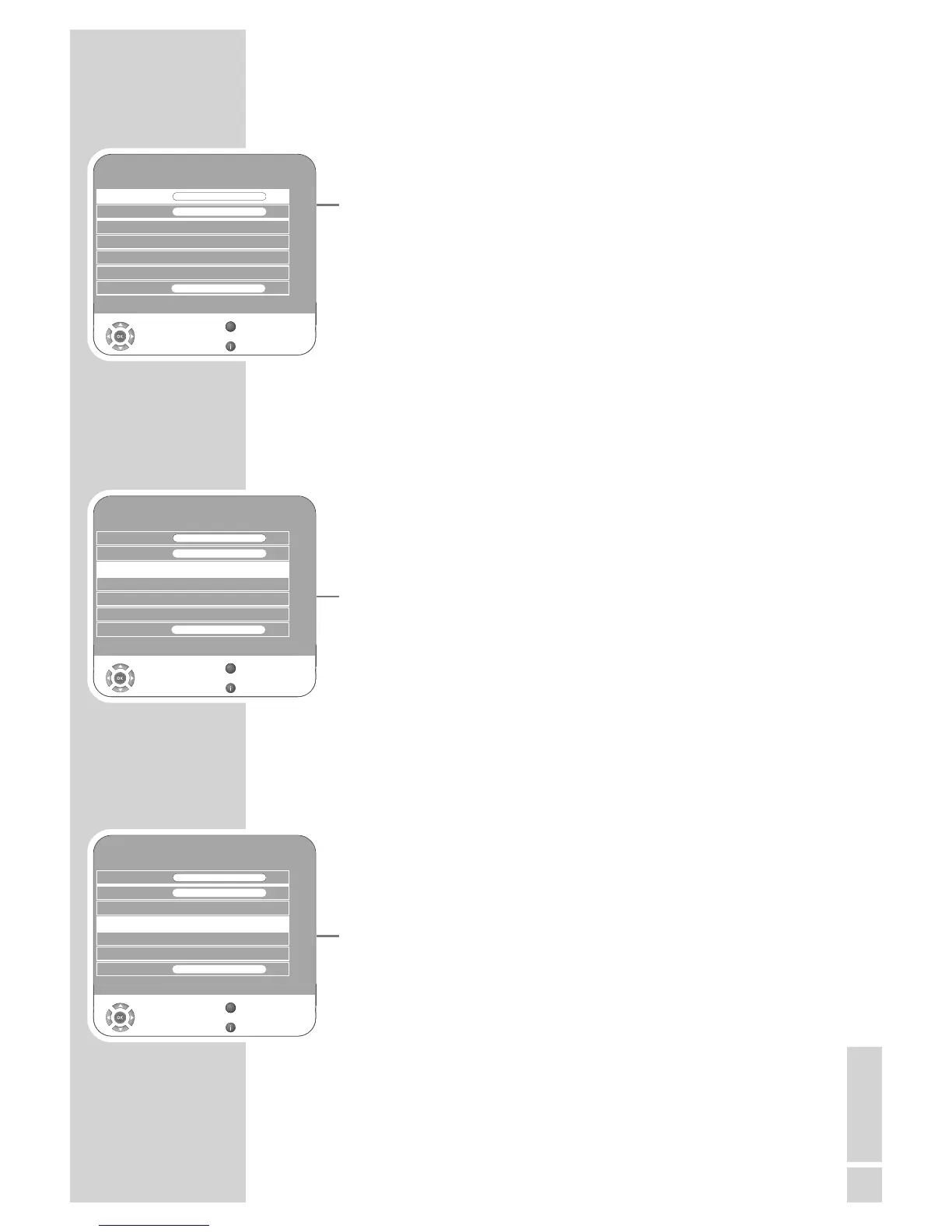
SOUND
Balance 0
GGGGGGGGGGGGGGGGGG
AVL Off
Sound Type Stereo
Sound Mode Normal
Equalizer
Select
Back
Exit
Volume 29
GGG
Z
s
Headphone 21
s
1
GGGG
SOUND
Balance 0
GGGGGGGGGGGGGGGGGG
AVL Off
Sound Type Stereo
Sound Mode Normal
Equalizer
Select
Back
Exit
Volume 29
GGG
Z
s
Headphone 21
s
1
GGGG
SOUND
Balance 0
GGGGGGGGGGGGGGGGGG
AVL Off
Sound Type Stereo
Sound Mode Normal
Equalizer
Select
Back
Exit
Volume 29
GGG
Z
s
Headphone 21
s
1
GGGG



 To Next Page
 Loading...
