44
SPECIAL SETTINGS
------------------------------------------------------------------
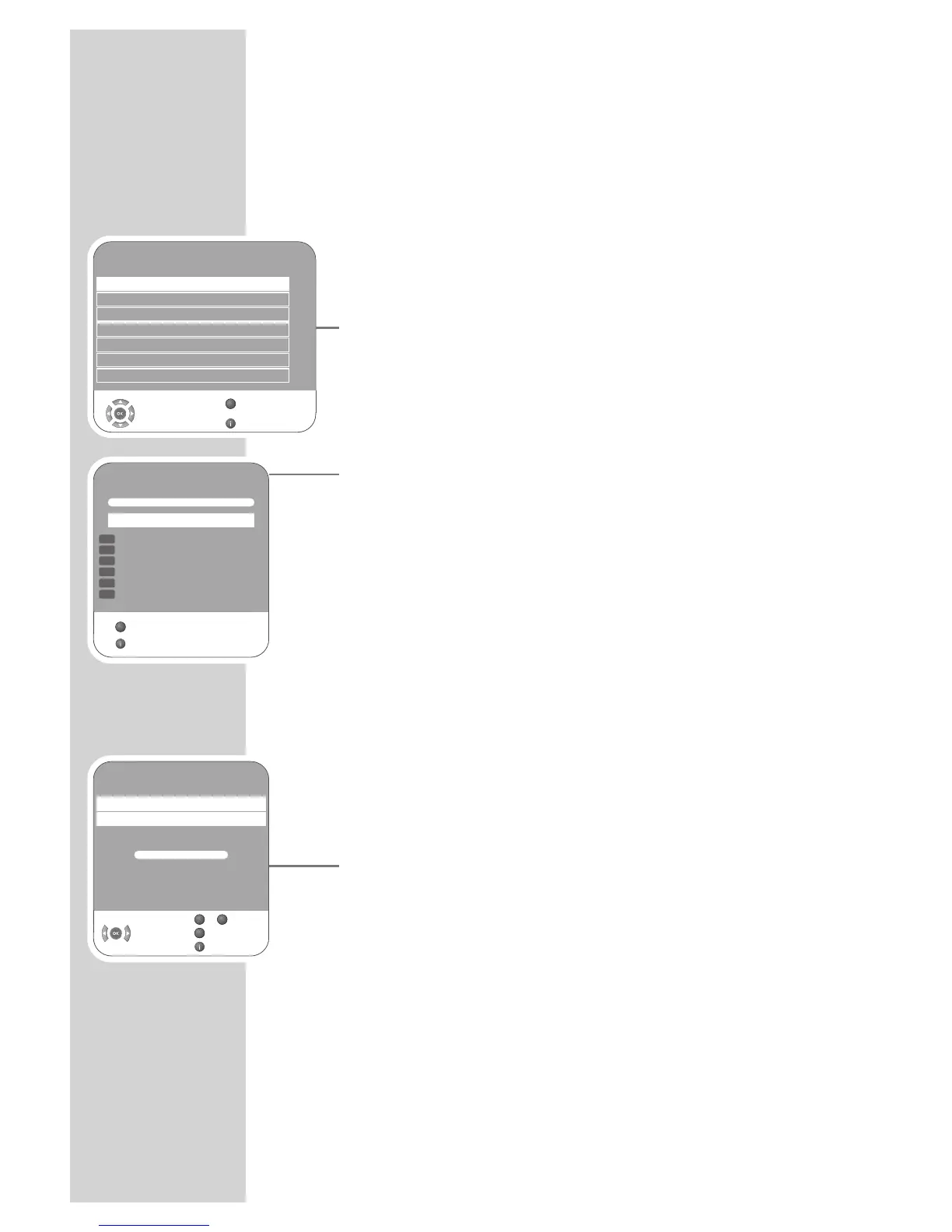
Tuning digital television stations
This search deletes all television stations included in the channel list!
Tuning all digital television stations using the
search
1 Open the menu with »i«.
– The »PICTURE« menu appears.
2 Select the »CHANNEL SETUP« menu with »
–
« or »
+
«.
3 Select »Auto Tuning« with »
V
« or »
Λ
« and confirm with »G«.
4 Select »Country Selection« by pressing »
V
« or »
Λ
« and press
»
–
« or »
+
« to make the setting.
5 Select the »Scan Type« with »
V
«.
Press »
–
« or »
+
« to select the »DTV« display and start the search
with »
G«.
– The »Searching...« menu appears, and the search for digital
TV stations begins. This may take several minutes depending
on the number of television stations received.
– The search is ended when the »Programme Table« appears.
Note:
You can stop the search by pressing »i«.
6 Press »i« to end the setting.
Tuning the digital television stations by entering
the channel numbers
1 Open the menu with »i«.
– The »PICTURE« menu appears.
2 Select the »CHANNEL SETUP« menu with »
–
« or »
+
«.
3 Select »Digital Manual Tuning« with »
V
« or »
Λ
« and press »G«
to confirm.
– The »Digital Manual Tuning« menu appears.
4 Enter channel number directlywith »1 ... 0« and press »G« to
confirm.
– The search is finished when the channels found appear in the
list.
5 Press »i« to end the setting.
CHANNEL SETUP
Auto Tuning
Digital Manual Tuning
Analogue Manual Tuning
Programme Table
Signal Information
CA - Module Not Inserted
Select
Back
Exit
Active Antenna Power On
s
s
s
s
s
Z
1
Searching...
57 % UHF CH49 DTV
ZDF
ZDFinfokanal
SAT.1
N24
ProSieben
kabel eins
Exit
GGGGGGGGGGGGGGGG
DTV
DTV
DTV
DTV
DTV
DTV
Skip
Z
Digital Manual Tuning
UHF CH 34
Frequency 578 MHz
Poor Normal Good
Select
Back
Exit
GGGGGGGGGGGGGGGG
Z
0
9
–



 To Next Page
 Loading...
