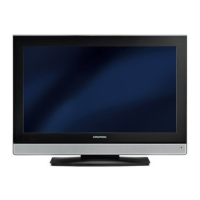
Controls on the television
8/I Switches the television on and back into standby
mode.
The only way to disconnect the television from
the mains supply is to pull the plug.
V+ V – Adjust the volume.
Select menu functions.
Opens the pre-selection for AV channels.
Select within the menu with »
+ P« or »P –«,
confirm with »
V+« or »V–«.
MENU Opens the »MAIN MENU« menu.;
Press »
P+« or »P–« to select an item.
Press »
V+« or »V–« to activate a function.
Press »
V+« or »V–« to set a function.
Press »
MENU« to close the menu.
P+ P – Switch the television on from standby.
Channel selection.
Select a function in the menu.
OVERVIEW
----------------------------------------------------------------------------------------------
10



 To Next Page
 Loading...