INSTALLATION OF GEMINI EXPANDER INTO DMC-122
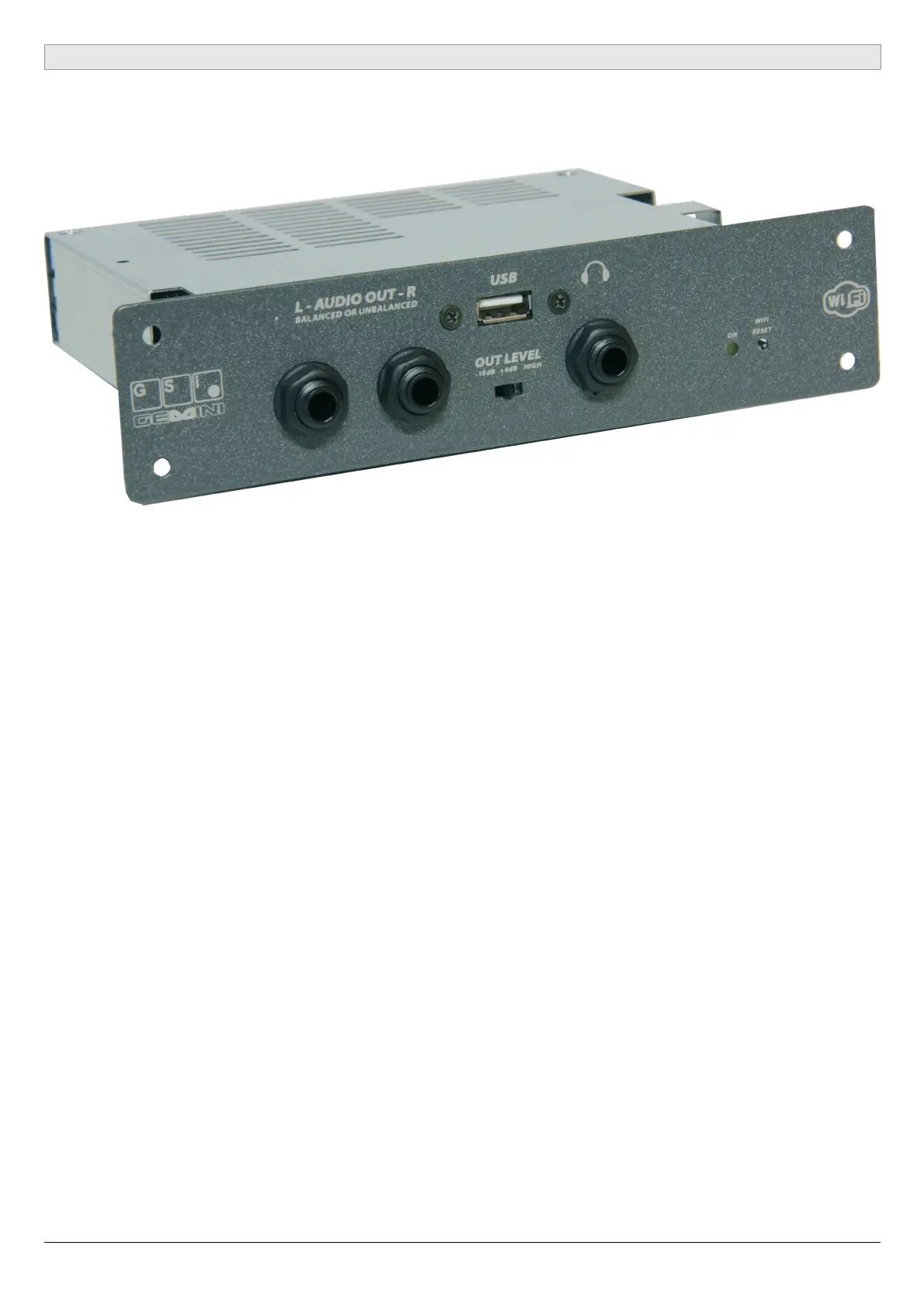
GSi Gemini is also available as a plug-in expander version for the DMC-122. It has no
control panel and is connected directly to the DMC-122 expansion slot.
STEP 1:
Unscrew the expansion panel using a Phillips screwdriver.
STEP 2:
Gently remove the connection cable.
STEP 3:
Connect the cable to the Gemini expansion. The connector can't be reversed, don't
push too hard, make sure it's sliding freely in place.
STEP 4:
Let the cable slide on the side or on the top of the metal casing, then insert the
expansion into the DMC-122.
STEP 5:
Tighten the four screws.
On the GSi Gemini product page you'll find an how-to video that briefly shows how to
complete the installation process.
GSi GEMINI USER'S MANUAL - Page 19/20


 To Next Page
 Loading...