Floor Cleaning
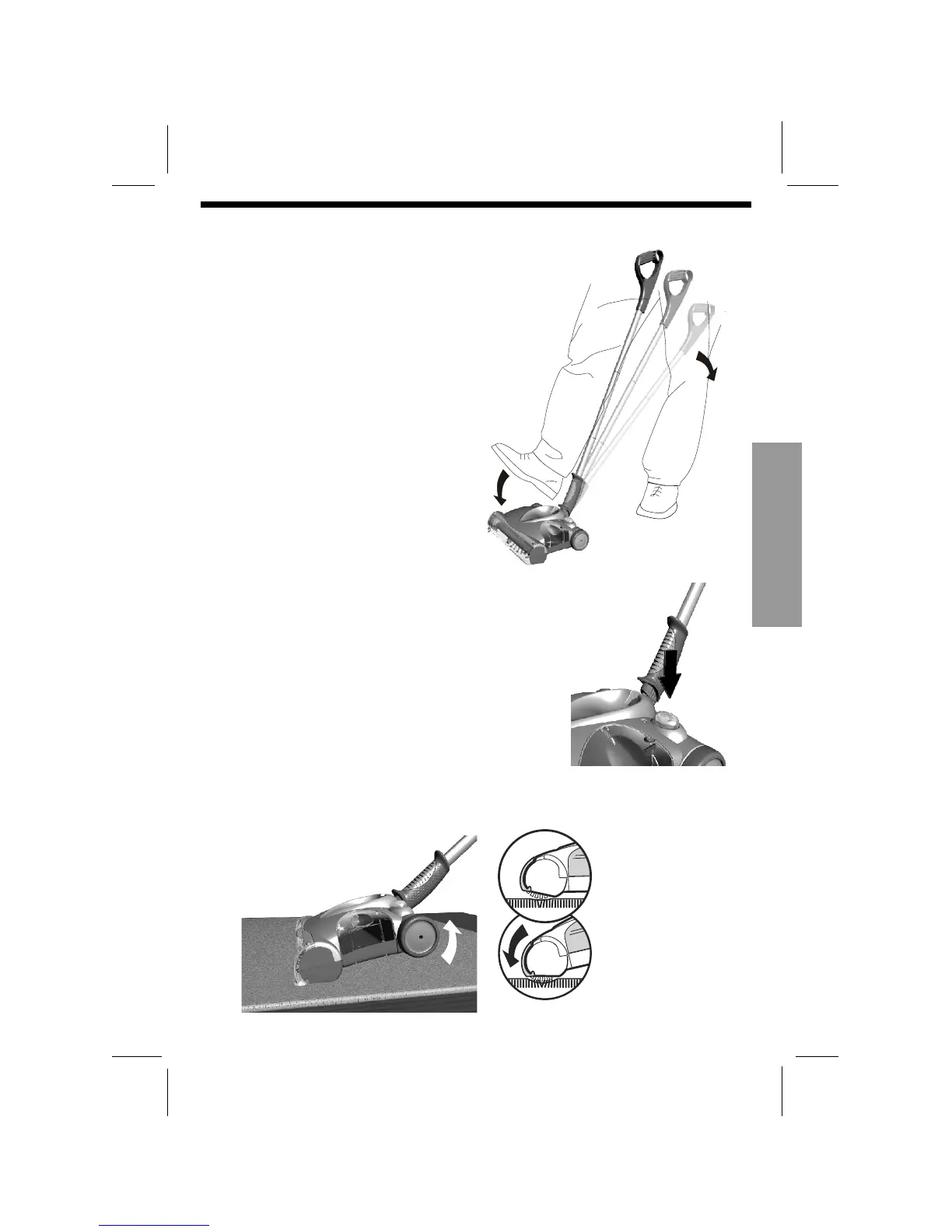
Parking and release of the main Handle.
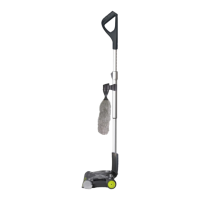
The handle and tubes park upright for storage.
To release for use, press on the top of the
sweeper with your foot while pulling back
on the handle
Push the On / Off Switch to operate the unit.
The LED will light GREEN,
To turn the
sweeper off push the On / Off switch again.
Lift the handle for deep cleaning and carpet grooming.
Standard Cleaning
Lift handle for Extra
Deep Cleaning and
Carpet grooming
Operation


 To Next Page