2
●CAUTION: Always use a power outlet that is properly grounded.
●Unplug this monitor during lightning storms or when unused for long periods of time.
●When moving your monitor from an area of low temperature to an area of high
temperature, condensation may form in the housing. Wait before turning on your
monitor to avoid causing fire, electric shock, or component damage.
●A distance of at least three feet should be maintained between your monitor and any
heat source, such as a radiator, heater, oven, amplifier, etc. Do not install your monitor
close to smoke. Operating your monitor close to smoke or moisture may cause fir
e or
electric shock.
●Slots and openings in the back and bottom of the monitor are provided for ventilation.
To ensure reliable operation of your monitor and to protect it from overheating, be sure
these openings are not blocked or covered. Do not place your monitor in a bookcase
or cabinet unless proper ventilation is provided.
●Never push any object into the slots and openings on your monitor. Do not place any
objects on the top of your monitor. Doing so could short circuit parts causing a fire or
electric shock. Never spill liquids on your monitor.
●Your monitor should be operated only from the type of power source indicated on the
label. If you are not sure of
the type of power supplied to your home, consult your
dealer or local power company.
●Do not apply pressure or throw objects at your monitor. This may compromise the
integrity of the monitor. The manufacturer’s warranty does not cover user abuse or
improper installations.
●The power cord must be replaced when using different voltage than the voltage
specified. For more information, contact your dealer.
●When connected to a power outlet, power is always flowing into your monitor. To
totally disconnect power, unplug the power cord.
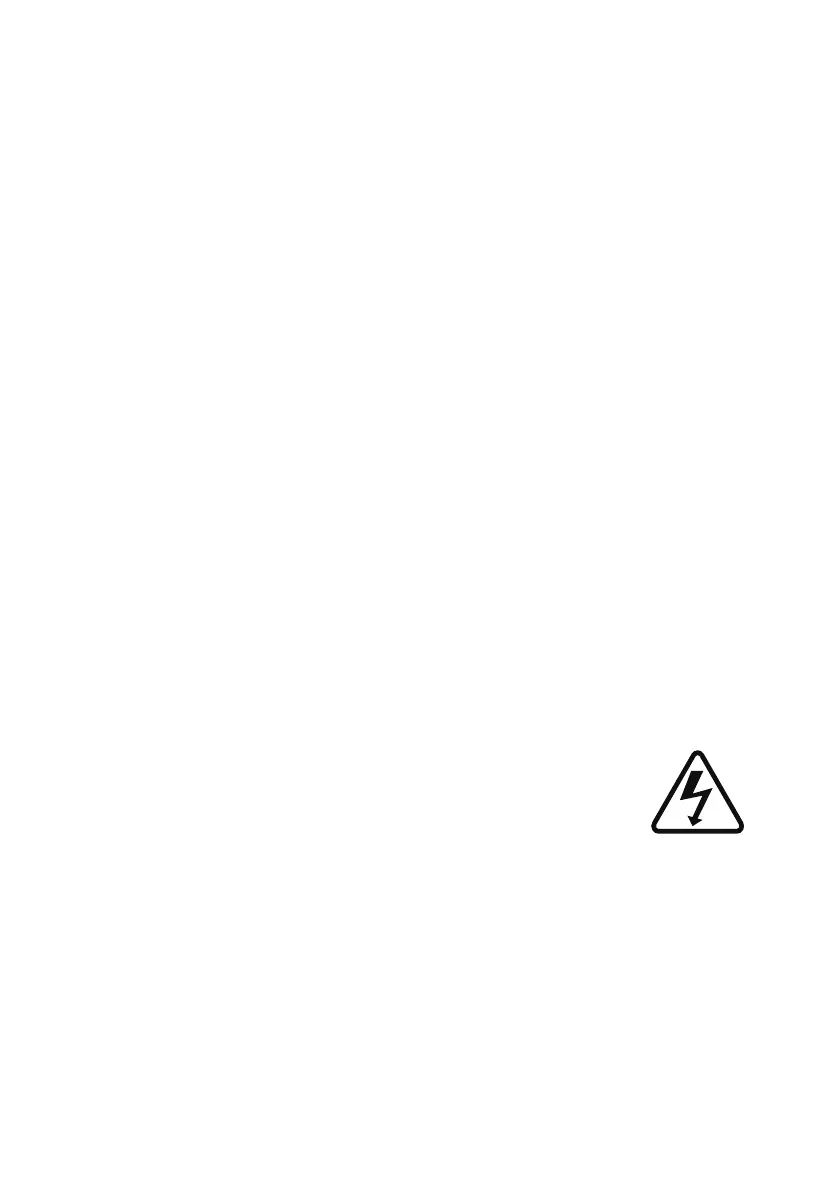
●The lightning flash with arrowhead symbol within an equilateral
tri
angle is intended to alert the user to the presence of un-isolated,
dangerous voltage within the inside of your monitor that may be of
sufficient magnitude to constitute a risk of electric shock to persons.
●Do not overload power strips and extension cords. Overloading can result in fire or
electric shock.
●The wall socket should be installed near your monitor and easily accessible.
●Only power of the marked voltage can be used for your monitor. Any other voltage
than the specified voltage may cause fire or electric shock.
●Do not touch the power cord during lightning. To avoid electric shock, avoid handling
the power cord duri
ng electrical storms.


 To Next Page
 Loading...