.4
To add your camera back onto your new network follow these steps:
STEP 1.
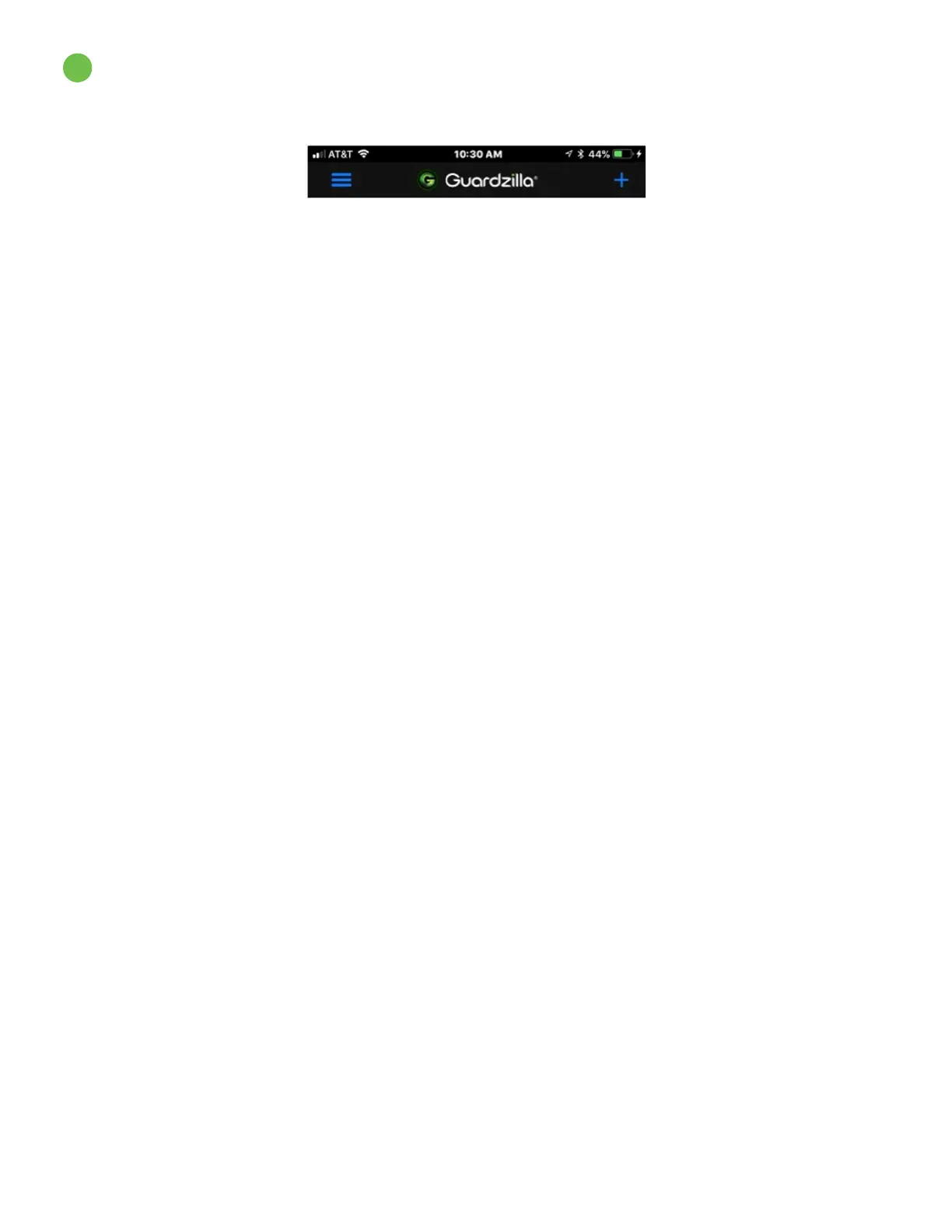
On the upper right hand corner of your Guardzilla app’s home screen press the blue plus (+) sign.
STEP 2. A carousel of product images will appear. Swipe your finger on the product images until the
360
o
Live Video Security Camera image and title appears, then select Next and follow the directions
for adding a camera back to your system. See “Adding a Camera” in the Customer Support area of the
Guardzilla.com website for detailed directions.
POWER CYCLING YOUR CAMERA
To re-start/power cycle your Guardzilla 360 Indoor camera unplug your camera, then plug it back in. Wait
for the camera to re-start, then resume normal operations.



 To Previous Page