3
No. Device name Function
2
Cont
Power button
(OK button)
Power-on
status
When the
knob scale
points to
"Switch
item"
Short press/Long
press: ON/OFF
When the
knob scale
points to
"Custom
item"
Short press/Long
press: Enter the next
level of the current
custom function
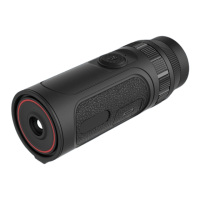
3 MIC This is a recording port
4 Eyepiece
Observe the real-time imaging and operation
screen of the device
5
Sight
distance
adjustment
Rotate to adjust the diopter of the eyepiece to
adapt to the human eye for clear observation
6
Function
knob
Rotation: Move the menu options
7
Type-C
interface
Connect PC via type-C cable
8
Picatinny
hole
Connect the Picatinny externally
9
Triangular
holder
interface
Connect the triangular holder
10
Hand strap
band
Connect the hand strap
2. Detailed operation
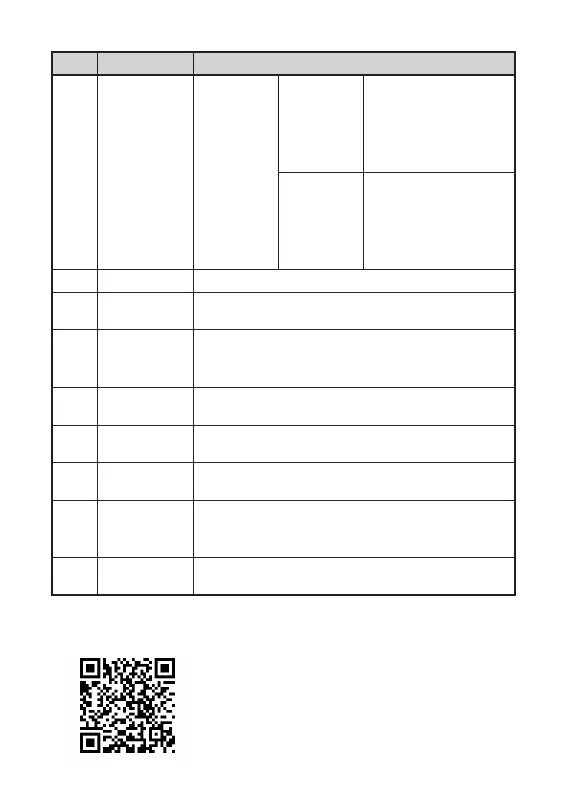
Scan QR code for more instructions.


 To Next Page