17
GB CN DE FR RU
corner of the screen, and the part with the power
indicator on will display the remaining power of the
cell.
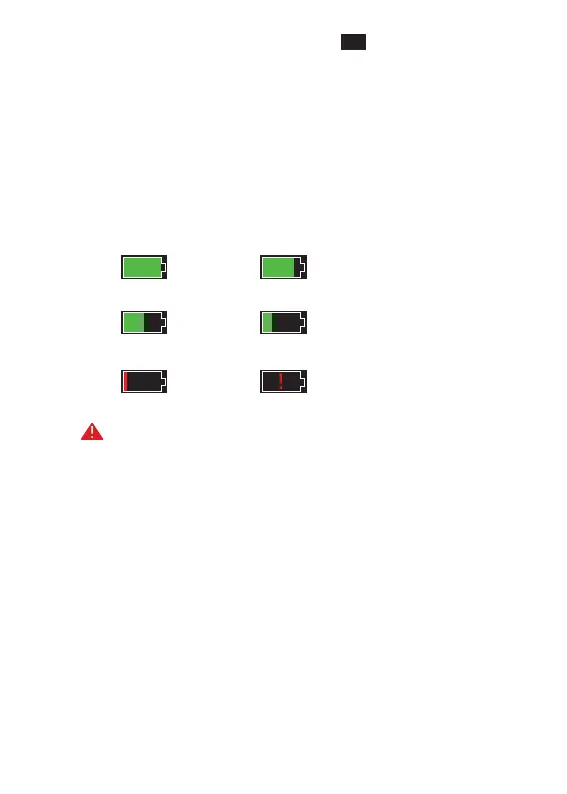
· After the power-on screen enters the real-time
picture, the icon corresponding to the above power
level will be displayed in the upper right corner of
the screen. The electricity level is as follows:
HighpowerHighandmediumpower
MediumpowerMediumandlowpower
LowpowerExtremelylowpower
NOTE: When the power is low, please replace the
cell or charge it in time!


 To Next Page