To Remove
Carpet Glide
11
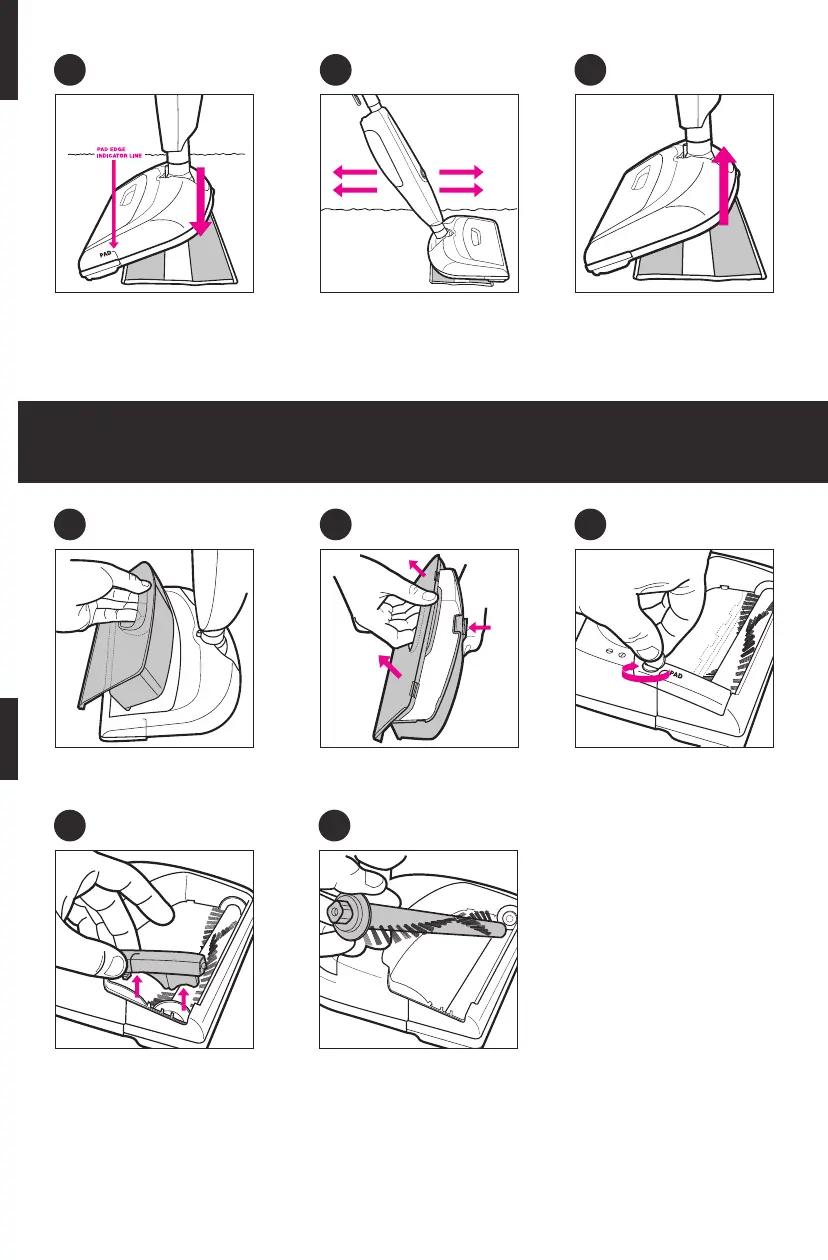
Removing the Sweeper Collection Bin & Brush
1
4 5
Gripping the handle, lift collec-
tion bin from unit.
Remove the brush lock piece. Remove brush from unit and
clean.
2
Press the collection bin release
button, lift & tilt top to open.
Empty collection bin.
3
Using a dime, turning
clockwise, unlock the brush
UNLOCK/LOCK button.
4
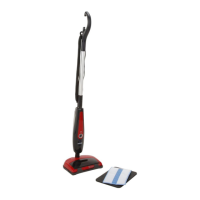
Line up edge of Pad with PAD
EDGE INDICATOR LINE. Gently
place unit on Ultra-microfiber pad.
5
Use the pad to rub the area
“blotting” out the stain.
6
Turn unit OFF. When cooled,
remove Ultra-microfiber pad.


 To Next Page