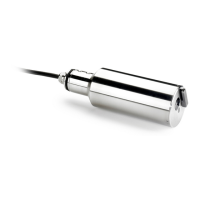
12.2.3 Sensor spot replacement
N O T I C E
Avoid scratching or damaging the sensor spot (the black surface on the sensor head) during this process.
1. Push the maintenance tool (square sides upmost) as far down as possible over the new sensor spot.
Continue to push down on the tool and turn gently until the square sides of the tool and the square slots of the
sensor spot engage. The tool should then drop into position.
2. Make sure the sensor collar is as far down as it will go, so that the top of the collar is aligned with the base of
the sensor head.
3. Take the combined maintenance tool and sensor spot and place it in the end of the sensor.
4. Turn the tool clockwise to screw in the new sensor spot, finger tight. Do not over-tighten. Once secure, pull off
the maintenance tool.
26 English


 To Next Page
 Loading...