11
1 Contents
5. Startup
With the configuration application
If you are using the app to configure the
clock, install as described below.
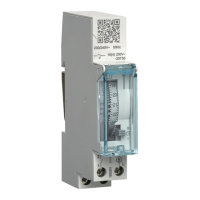
1. Access the app download link directly
by scanning the QR code printed on the
clock and on the manual with a mobile
device.
2. Download and install the configuration
app.
3. Check that Bluetooth
®
is enabled (see
Chapter Settings / BLUETOOTH).
4. Pair your mobile device and your clock via
the Bluetooth
®
app.
5. Program your product via the app. To
do this, use the app to guide you in
configuring your clock.
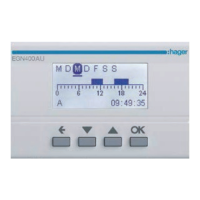
With the local programming interface
In some cases, the following needs to be set
during startup:
• language;
• year, month, day;
• hour and minutes.
• Daylight Savings Time.
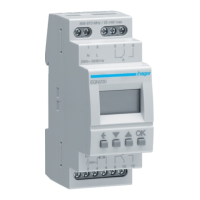
Press keys 3/4 to configure the required
settings on the display.
Press the ok key to confirm.
After configuring these settings, the clock
switches to automatic mode.


 To Next Page
 Loading...