96
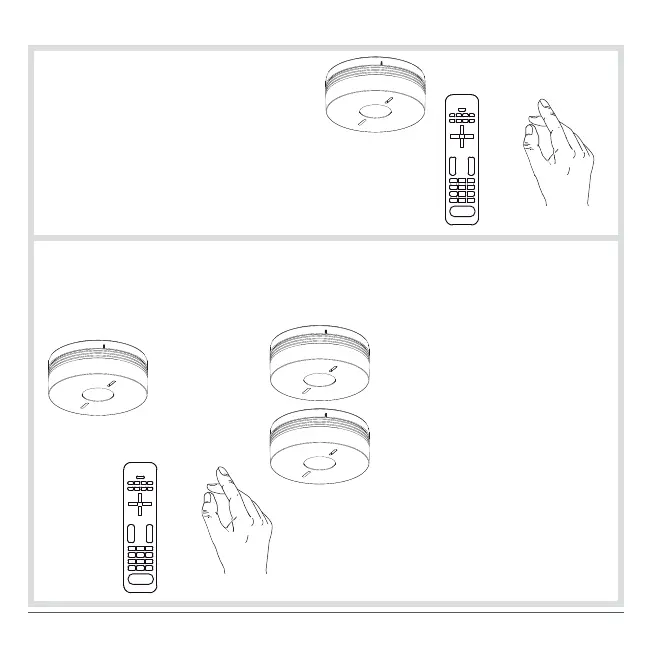
Detector activated
Interconnected detectors
))))))))))))))
)) )) ))))) )) )) )))))
• The 1
st
time one of the keys on the remote control or
the detector test button is pressed: interconnected
detectors stopped.
• The 2
nd
time one of the remote control keys pointed
on the detector or the test button of the detector
having triggered the alarm is pressed: the detector
having triggered the alarm is stopped.
If the detector is part of a network:
The detector(s) having been activated (red LED flashing) must be stopped to
end network sounding.
OR
OR
If the detector is Installed as a
standalone device:
• press the test button,
or
• press 2 times one of the keys on
the remote control pointed on the
detector.



 To Next Page