English
Game:
• Your TV has been designed with a video game for your entertainment.
To play video game, select game on menu and press VOL (+) button.
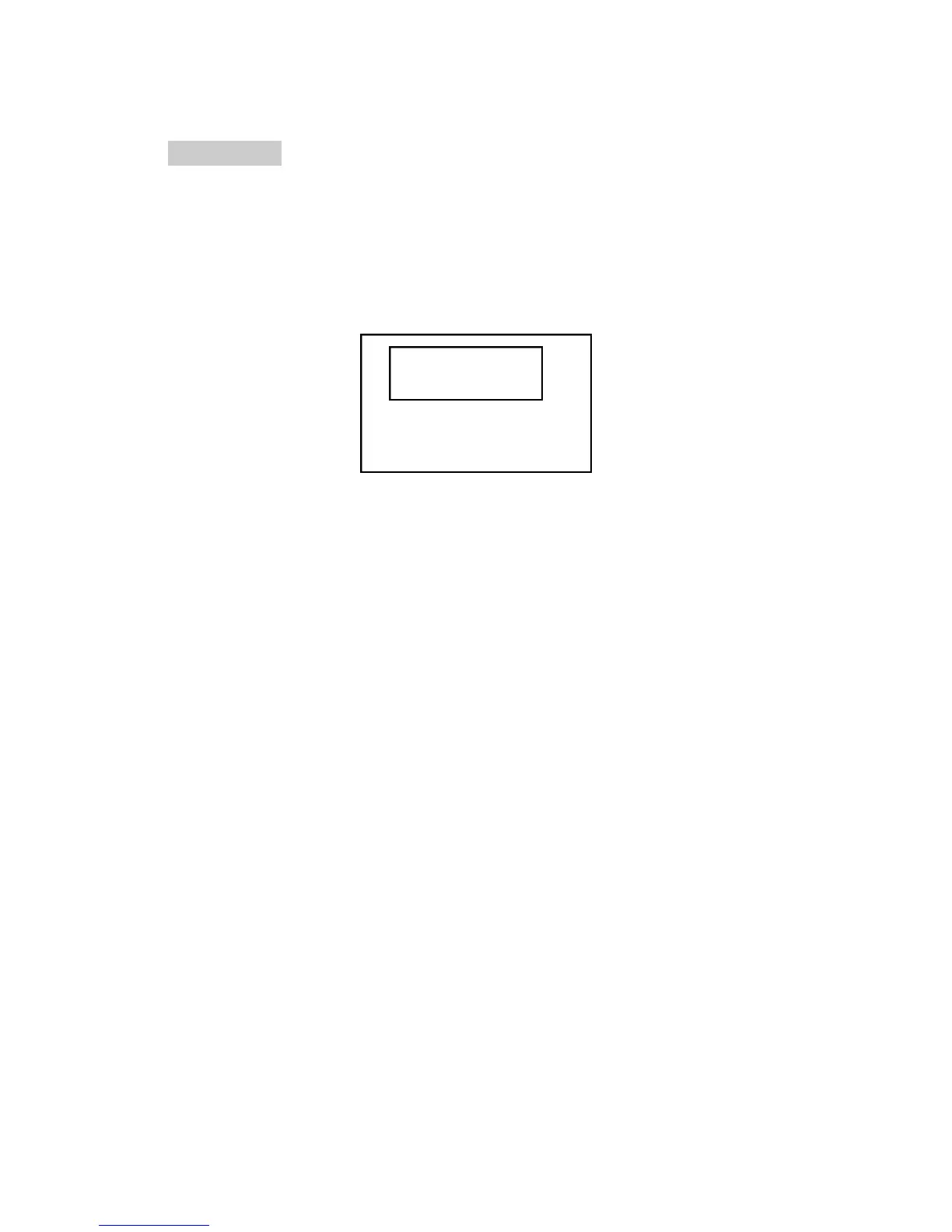
You will then see the following display on TV:
Follow the procedure below to play the game:
1. First pick three numbers at random.
2. Press RECALL button to play the game. You will see numbers are
scrolling.
3. Press RECALL button three times to select three random numbers. This
will stop the scrolling and you will see three random numbers on
display. If your number matches the one you have picked then you win
the game. If not then start the new game.
4. Repeat first three steps to play the game again.
5. Press DISPLAY button to exit the game mode.
RECALL: PLAY
DISPLAY: EXIT
777
27



 To Next Page