More user manuals on ManualsBase.com
-9-
W716 is ON, press the power key once to activate or
Home key ( ): Touch the key to return to the home
screen. In idle screen, touch and hold the key to view
recently accessed features.
Options key ( ): In standby mode, touch the key to set
wallpaper, manage apps, access to system settings. Touch it
to view menu options.
Back key ( ): Touch to go back to the previous menu.
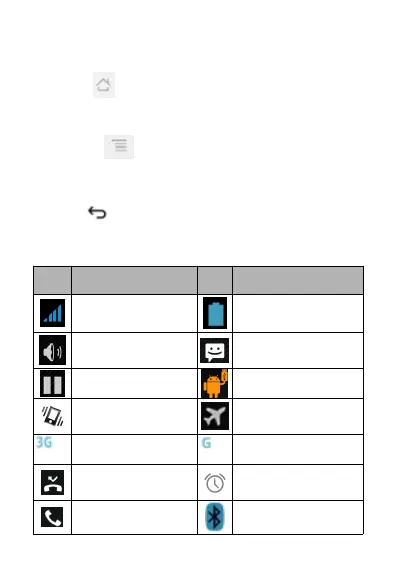
Description
Description
Icons
Icons
Descriptions
Descriptions



 To Next Page