4
Note
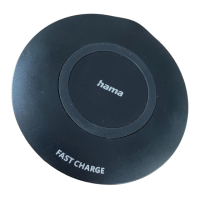
• To be able to charge your terminal device using the wireless charger,your terminal device
must be compatible with inductive charging technology.Please read the operating
instructions of your device.
• Note that the presence of mobile phone cases, covers or other materials between the
wireless charger and the back of your terminal device can interferewith charging or even
prevent it.
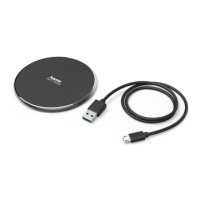
• Connect the includedMicro-USB cable to the Micro-USB input (1) on theinductive
charger and to the USBoutput of theincluded fast charger.Please refer to the operating
instructions for the USBcharger.
Note
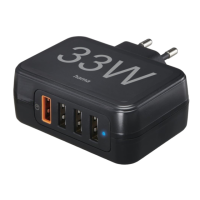
• The maximumcharging power of up to10Wis ensured with theincluded Qualcomm
Quick Charge charger (5 V/2 A, 9V/1.67 A).
• The status LED (2) brieylights up redtoconrm an active power supply.
Warning
As arule, do notuse charging devices or USB connections that aredefective and do not
try to repair them yourself.
• Put your terminal device on theinductive charger (B) withthe back to the charger.
• Chargingstarts as soon as an effective induction eld has been generated. The status
LED (2) is constantly litred. The current charging status appears on yourterminal device.
• If no connection can be established through induction, you mayhave to changethe
position of yourterminaldevice (B).
• Chargingstops automatically onceyour device’sbattery is fully charged. The statusLED
(2) turns solid blue.


 To Next Page