3
4. Operation
4.1 Charging the Power Pack
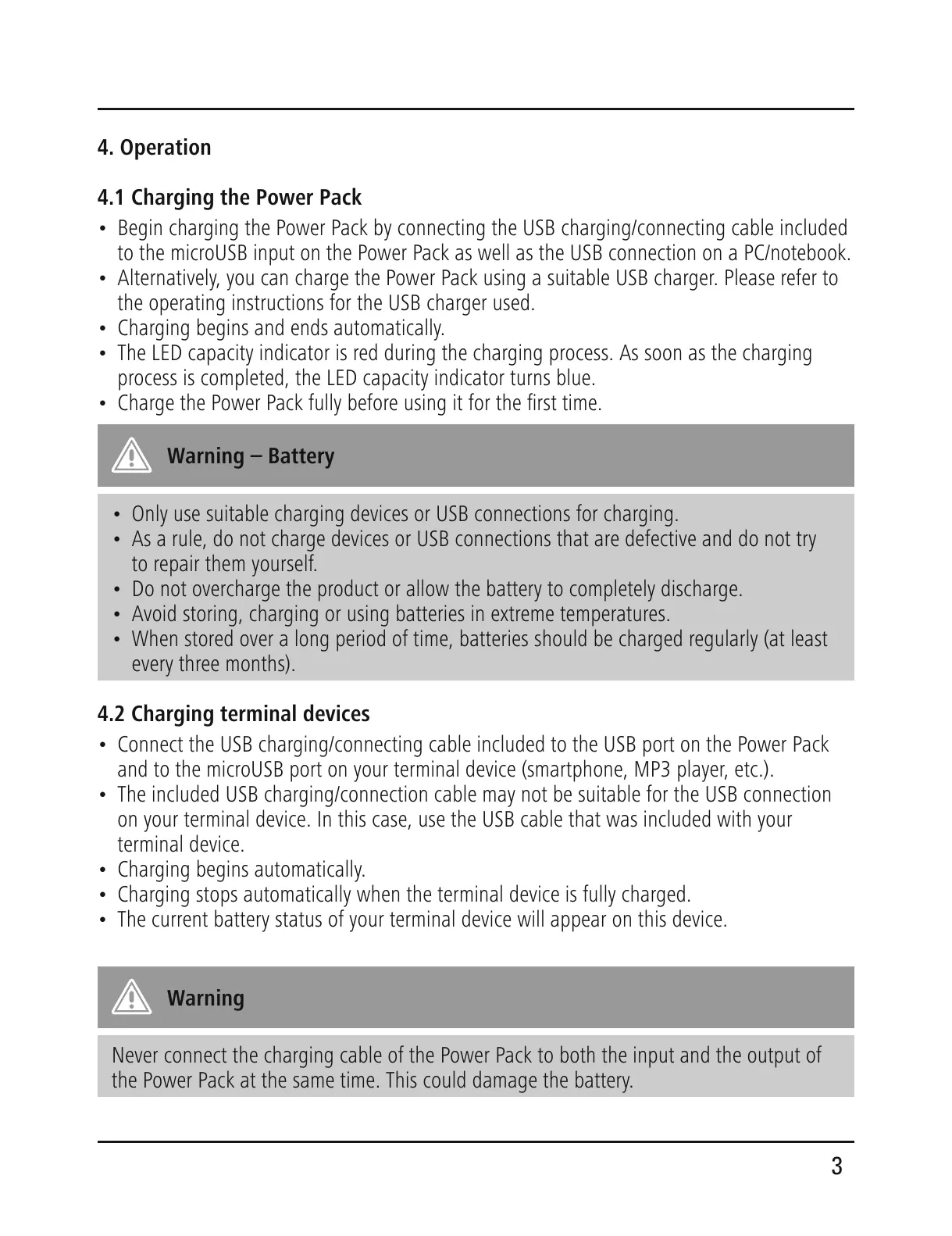
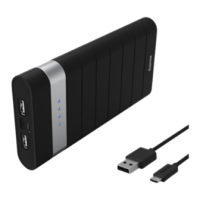
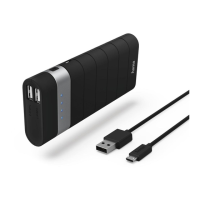
• Begin charging the Power Pack by connecting the USB charging/connecting cable included
to the microUSB input on the Power Pack as well as the USB connection on a PC/notebook.
• Alternatively, you can charge the Power Pack using a suitable USB charger. Please refer to
the operating instructions for the USB charger used.
• Charging begins and ends automatically.
• The LED capacity indicator is red during the charging process. As soon as the charging
process is completed, the LED capacity indicator turns blue.
• Charge the Power Pack fully before using it for the rst time.
Warning – Battery
• Only use suitable charging devices or USB connections for charging.
• As a rule, do not charge devices or USB connections that are defective and do not try
to repair them yourself.
• Do not overcharge the product or allow the battery to completely discharge.
• Avoid storing, charging or using batteries in extreme temperatures.
• When stored over a long period of time, batteries should be charged regularly (at least
every three months).
4.2 Charging terminal devices
• Connect the USB charging/connecting cable included to the USB port on the Power Pack
and to the microUSB port on your terminal device (smartphone, MP3 player, etc.).
• The included USB charging/connection cable may not be suitable for the USB connection
on your terminal device. In this case, use the USB cable that was included with your
terminal device.
• Charging begins automatically.
• Charging stops automatically when the terminal device is fully charged.
• The current battery status of your terminal device will appear on this device.
Warning
Never connect the charging cable of the Power Pack to both the input and the output of
the Power Pack at the same time. This could damage the battery.


 To Next Page