2
G Quick Guide
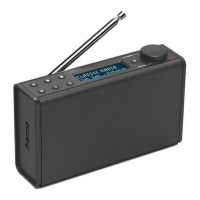
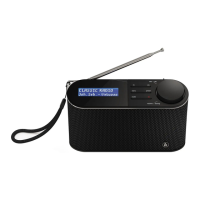
Controls and Displays
Note
*You can adjust the volume, or navigate through the
menu structurebyturning the rotary control. Press
the rotary control to conrm aselection.
By repeatedly pressing the rotary control in the playback
screen, you can show additional information, such as
date, time or station (dependent on the operating mode
and the respective stations, music les, etc.).
Important note –Operating instructions:
• This is aquick guide to provide you with the most important basic information, such as safety warnings and how to
get started using the product.
• Forthe sake of protecting the environment and saving resources, Hama dispenses with printed operating instructions
and provides them only in the form of PDF les /eManuals on www.hama.com.
• Use the search function with the item number of your product to easily nd the product documentation.
• Save the operating instructions to your computer’sharddrive for futurereference, or print it out if necessary.
A
Front
1. Telescopic antenna
2. Display
3. [PRESET 1] button
4. [PRESET 2] button
5. [MENU] button
6. [PRESET] button
7. [MODE] button
8. [POWER] button
9. [INFO]/[OK]/[VOLUME]/[TUNING] button*
B
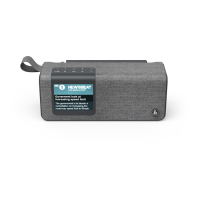
Rear
10. Carrying loop
11. Update Port
12. Headphone socket
13. Mains power supply


 To Next Page