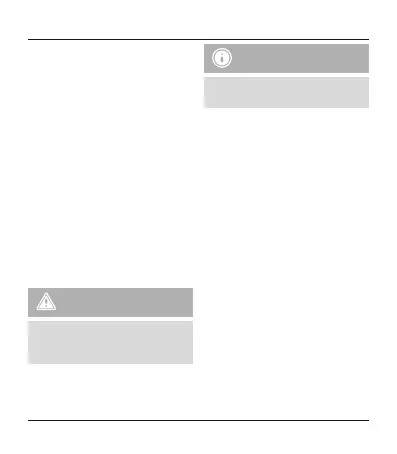
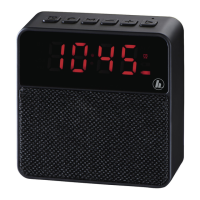
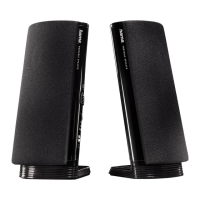
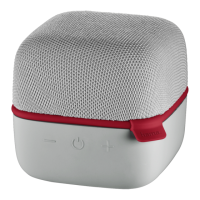
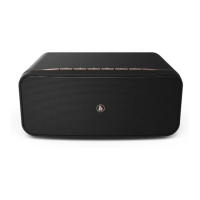
Controls andDisplays
1. On/Offswitch
2.Play/pause
3. Track –/Volume –
4. Track +/Volume +
5. Callacceptance
6. Audio input
7. Micro-USBcharging connection
8. microSD card slot
Thank youfor choosing aHama product.
Take your time and read the following
instructions and information completely .Please
keep these instructions in asafeplace for
futurereference. If you sellthe device, please
pass theseoperating instructions on to the
new owner.
1. Explanation of Warning Symbols
and Notes
Warning
This symbolisused to indicate safety
instructions or to draw your attentionto
specichazards and risks.
Note
This symbol is used to indicate additional
information or importantnotes.
2. PackageContents
•Mobile Bluetooth Speaker
•USB cable
•3.5 mm audiocable
•These operating instructions
3. SafetyNotes
•The product is intended forprivate, non-
commercial use only.
•Protect the productfromdirt,moisture
and overheating, andonlyuse it in adry
environment.
•Donot use the product in the immediate
vicinity of heaters or otherheat sourcesorin
directsunlight.
•Donot use the product in areaswhere the
useofelectronic devicesisnotpermitted.
•Since thebattery is integratedand cannot
be removed, you will need to dispose of the
product as awhole. Do this in compliance
withthe legal requirements.
•Donot drop the product anddonot expose
it to anymajor shocks.
2
G Operating instruction


 To Next Page