6
4.6 Battery charging function
•Connect the included USB charging cableto
the speaker’sUSB socket (7).
•Connect the unusedplugonthe USBcable
to an available USBportonyourcomputer
or anothersuitableUSB device.
•The LEDindicator will light up in red
duringactive charging. If thebattery is fully
charged, the redLED indicator will go out.
•Pleasecharge the speaker foratleast4
hours before usingitfor the rst time.
5. Care andMaintenance
Onlyclean thisproduct with aslightly damp,
lint-freeclothand do notuse aggressive
cleaning agents.
6. Warranty Disclaimer
Hama GmbH &CoKGassumes no liabilityand
provides no warranty fordamage resulting from
improperinstallation/mounting,improperuse
of theproductorfromfailuretoobserve the
operating instructions and/orsafety notes.
7. Service and Support
Pleasecontact Hama Product Consulting if you
haveany questions about thisproduct.
Hotline: +499091502-115 (German/English)
Furthersupportinformationcan be found here:
www .ha ma.com
8. Serviceand Support
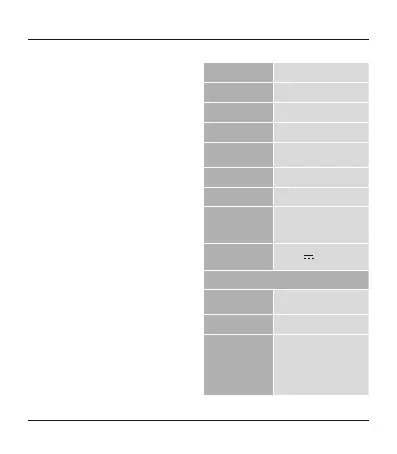
Frequency 20 Hz –20kHz
Output 3W
Inpedance 4 Ω
Range <10m
Bluetooth
®
Technology
Bluetooth
®
v2.1 +HFP,HSP,
A2DP,AVRCP
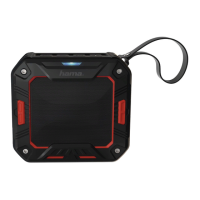
Size 92 x80x32 mm
Weight 270 g
Connections
3.5 mm aux Cable
Micro-USB
Micro-SD cardslot
Charging voltage max. 5V
500 mA
Battery
Typ
3.7V Li-Po:
800 mAh/2.96 Wh
Charging time ~2–3h
Playback
Via
Bluetooth
®
:~5–6h
Via AUX: ~8–10h
Via MicroSD: ~8–10h
(depending on volume and
audio content)


 To Next Page