2
G Operating instruction
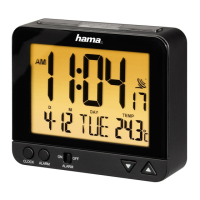
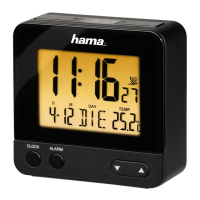
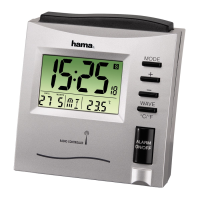
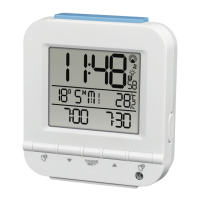
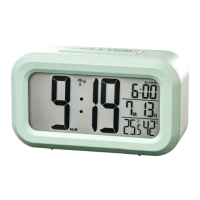
Controls and Displays
1. Time
2. Alarm time
3. Month
4. Day
5. Room humidity
6. Room temperature
7. SNOOZE / LIGHT button / twilight sensor
= activate the backlight (approx. 10 seconds) / stop the alarm for 5 minutes
8. 12/24/ YEAR button
= toggle 12/24-hour time format / set the year
9. HOUR/MONTH button
= activate/deactivate the alarm / Display the set alarm time / set the hour/month
10. MIN/DATE button
= activate/deactivate manual radio signal reception / switch between °C and °F /
set minute/date
11. SENSOR OFF/ON slide switch
= activate/deactivate the twilight sensor
12. LOCK slide switch
= change between normal mode and set modes: alarm, date and time
13. ALARM SELECT slide switch
= select alarm mode
14. Battery compartment
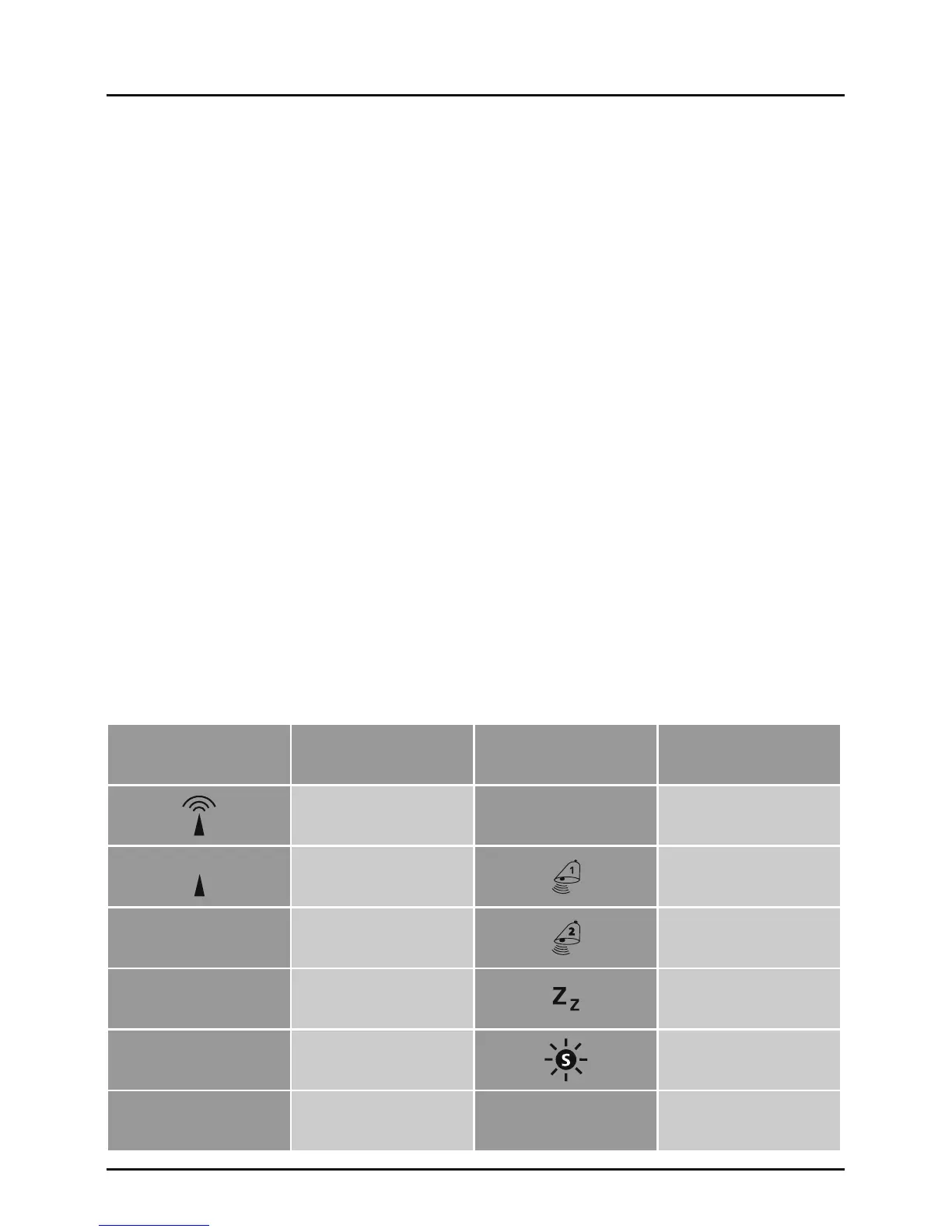
Display Meaning Display Meaning
Radio signal ALW Workday alarm
Weak radio signal Alarm 1 time
PM
12:00-23:59
(12-hour time)
Alarm 2 time
AM
0:00-11:59
(12-hour time)
Snooze function
D Day Summer time
M Month


 To Next Page