_WER
Operation _a_s when this button is pressed and stops when you press the b_on again
TEMPERATURE CO_ROL
The thermostat: monitors room temperature to maintain _e desired temperature°
The the_ostat can be set be_n 60_86°F (16_~30_:).
The unit t_es an average,of 30 mi_qutesto adjust the room tiem_rature by 1_,
OPERATION MODE SELECTOR
.Sele_ cooling m_e to _ol _e room,,
Select energy saver mode for energy savi_n9 operation,
Select fan mode br basic ventilating fan operation,
Select dry mode br dry operation
FAN SPEED SELECTOR
For i_qcreasedpower while cooling!,select a higher fan speed,
3 steps: High e Low e Med
::_ O'_OFF TIMER
The timer can be set to start and stop the unit:i,nhourly increments (Lipto 12 hOUrS).
REMOTE CONTROL SE_R
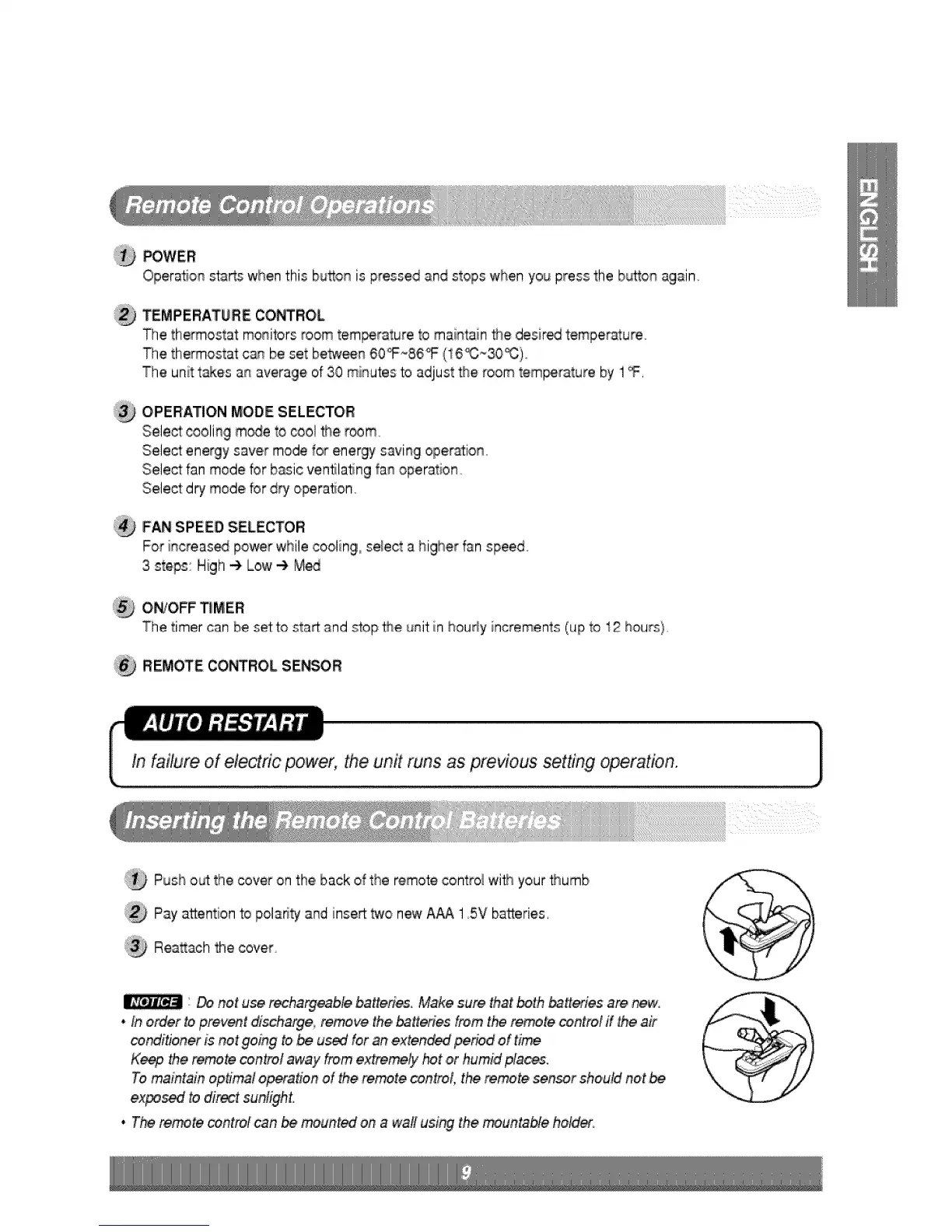
:i_ Push oL_tthe cover on the back of the remote control with your _umb
;_ Pay a_entionto poladty and insert two new AAA 15V batteries,
Reatt_ch the cover
Donot u_ rech'a_Me ba#efi_ Make sure that _th _tt_ies are new.
. Ino_er to prev_t di_harge, remove the _#eries from the re.re control if the air
co_#ioner is net going to,be used for an,exten,_ period of time
Keep _e _n_te _,ntro¢ away from extreme_ hot ,orhumid fflaces.
Tomaintain optim!! operation of the remote control, the re_,te sensor should not
ex_sed to direct sunlight.
• The re_te _ntrot can _ _un,fed on a wa!l using the _untabte hield_.



 To Next Page