STARTING ALGIZ 8X
Press and hold power button for 4 seconds to power on the unit. Follow the on-screen
instructions to get started with Windows. The screen calibration may not be accurate the
rst time you start the computer. Follow the procedure to calibrate the touchscreen.
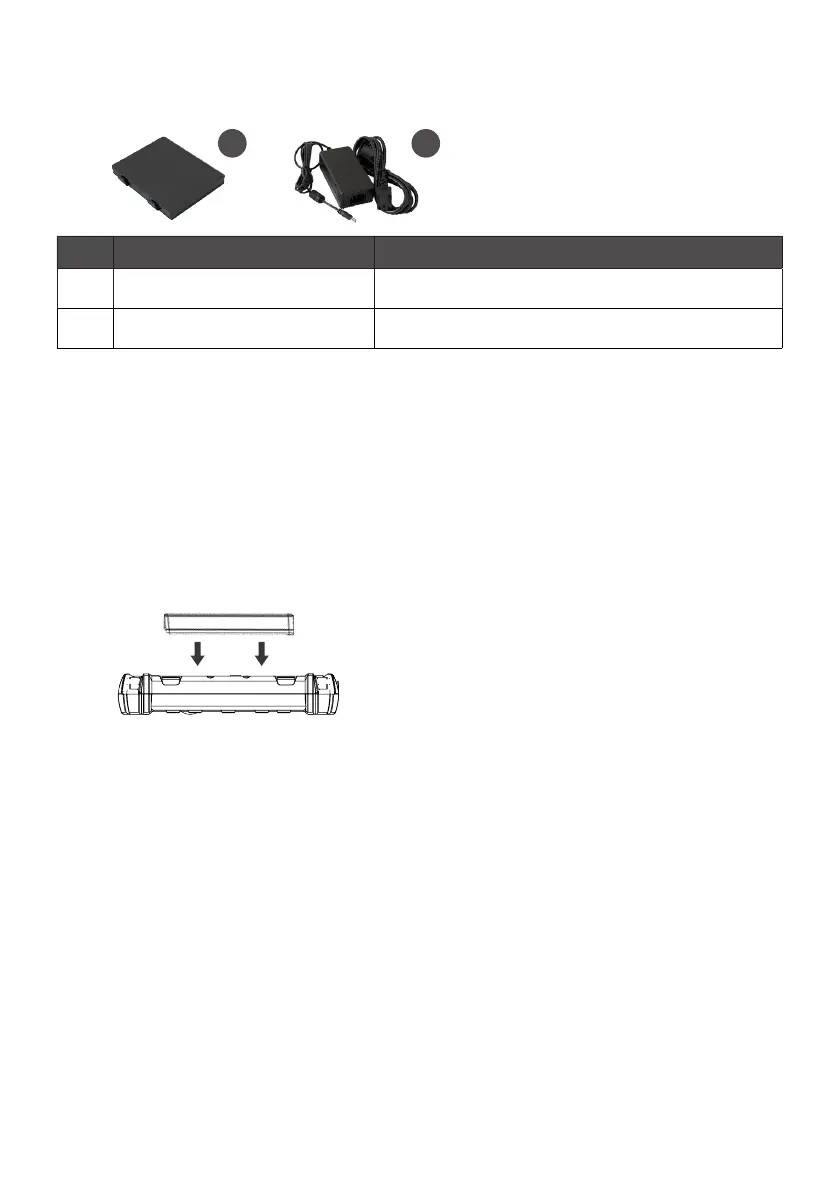
INSERT BATTERY PACK
SCREEN CALIBRATION
1. Open Control Panel > Hardware and Sound > Tablet PC Settings
2. Click Calibrate and follow instructions
Repeat step 1 and 2 until you are satised with the calibration.
WHAT’S IN THE BOX
Ref. Item Description
1 Battery Pack One 2 Cell Li-Ion Battery Pack
2 19V Adapter 19V Adapter w/ standard power cord
2
1



 To Next Page