E6000 Portable Multi-Gas Detector Henan Hanwei Electronics Co., Ltd.
11
Move the cursor to icon and press button. The
device will make zero calibration automatically. In the end, a “√”
icon displays for gas succeed and “×” for gas failed .
5.8 Calibration
5.8.1 Enter the setting interface
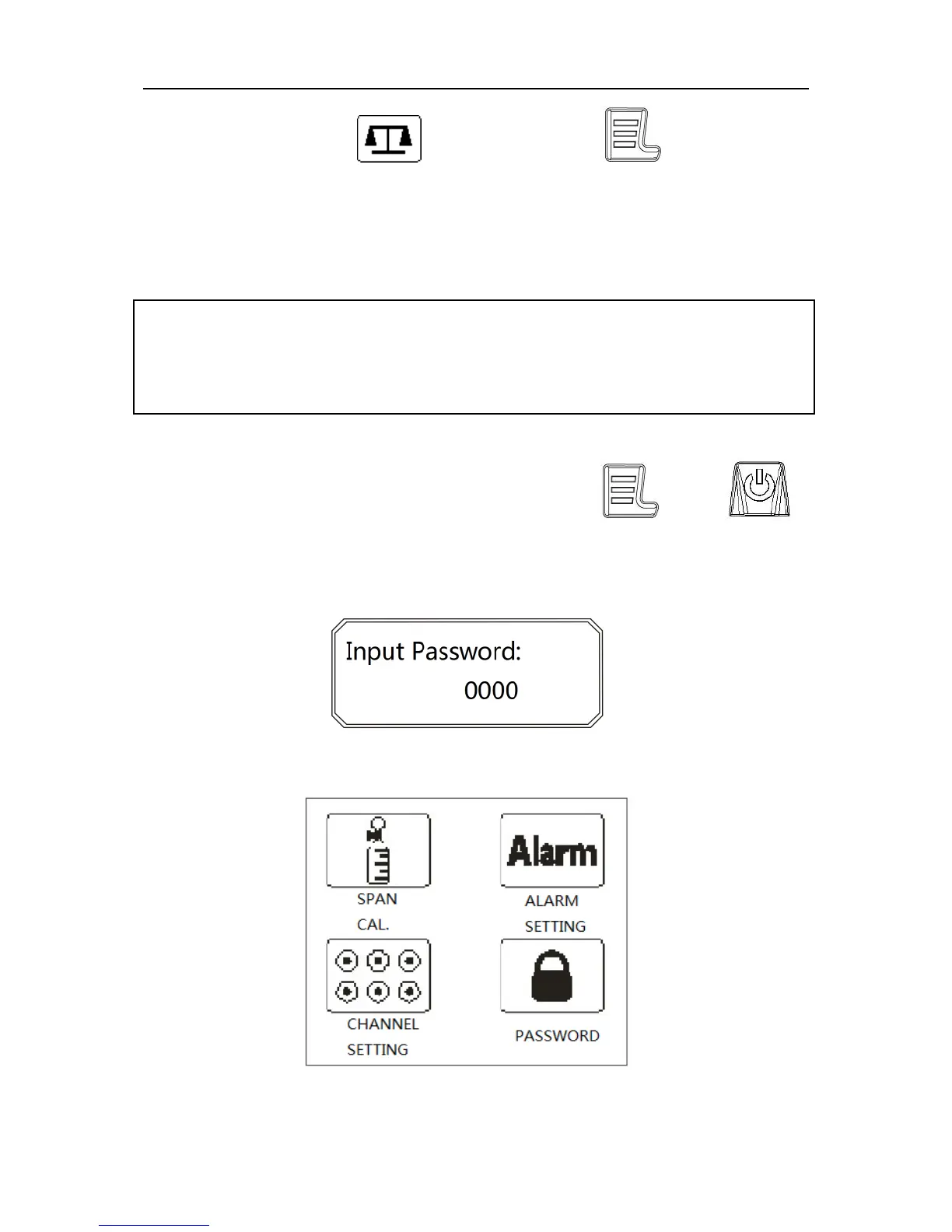
While the device is power off, hold both and
buttons simutaneously for about 3 seconds. Then, the device first
performs a self test as after power on and after a short delay, the
device asks for inputting the password.
After inputting correct password, the device enters into the setting
interface shown as below.
WARNING!
Calibration must be carried out by qualified person. Otherwise,
the device may work wrongly.


 To Next Page
 Loading...