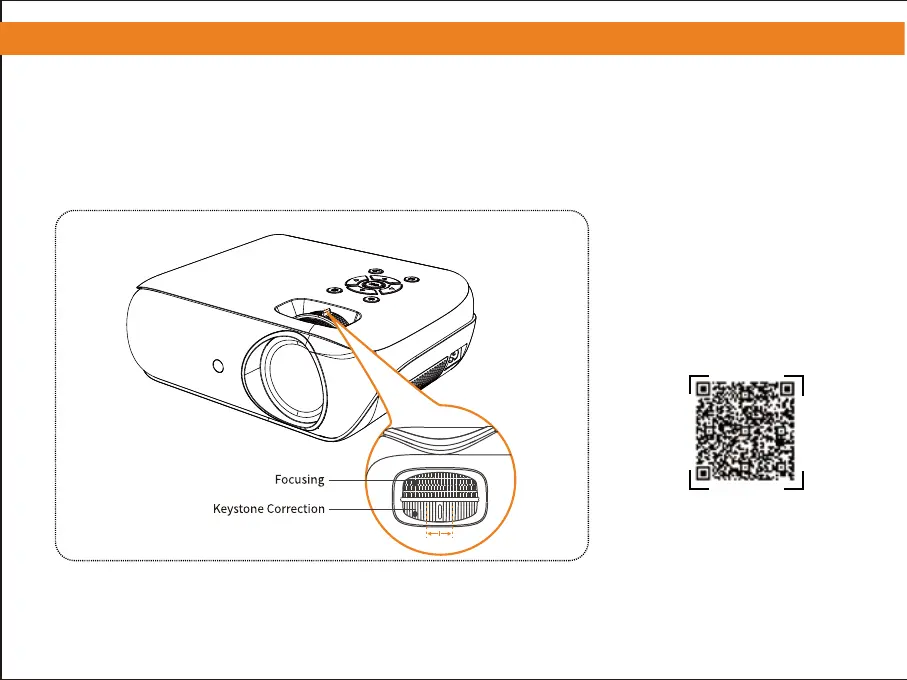
2. Adjusting the Picture Clarity
① Slowly adjust the two knobs to the left or right to the best picture quality.
② To adjust the keystone correction, simply rotate the dial to the left or right until the projected image is level
and vertical.
③ To achieve optimal image clarity, kindly rotate the focusing dial to the left or right.
2
Please scan the QR code to watch
the video for detailed steps.
Adjustable range


 To Next Page