X1D II 50C USER GUIDE www.hasselblad.com
108
SETTINGS
Contents
DISPLAY
MAIN MENU > GENERAL SETTINGS >
DISPLAY
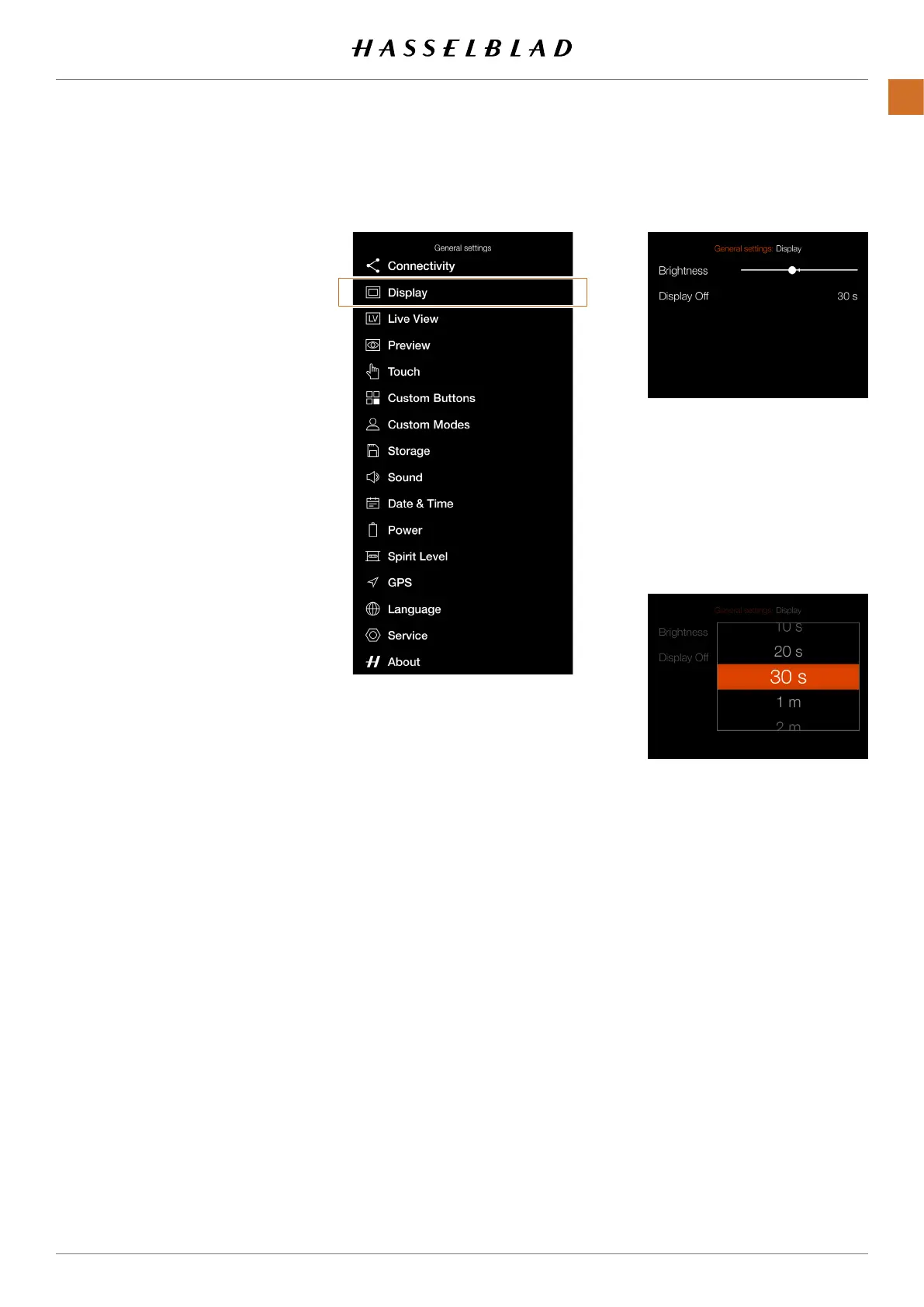
1 Press the General Settings icon on
the Touch Display.
2 The General Settings Menu
appears.
3 Press the Display Menu.
Swipe right or press the Menu / EXIT
button to get back to the Main Menu.
1
1
1
Brightness
Controls the overall brightness of
the rear display. Slide the white dot
to the left to make the screen darker
and to the right to make it brighter.
Display Off
Select how long the rear display
shall be active.
Chose between:
5sec, 10sec, 20sec, 30sec, 1min,
2min, 3min.
General Settings Menu
Display Settings Menu
Display Off Setting



 To Next Page
 Loading...






