Vehicle equipment
Please note that this manual contains all
the standard equipment, country-specific
equipment and special equipment for this
model ser ies. Thus, so me eq uipmen t o r
features described in this manual may not
be installed onto your vehicle or are only
av ai la bl e in som e ma rk et s. Fo r fur th e r
configuration information, please refer to
relevant sales information or consult with your
distributor selling the vehicle to you.
Touch screen functionality
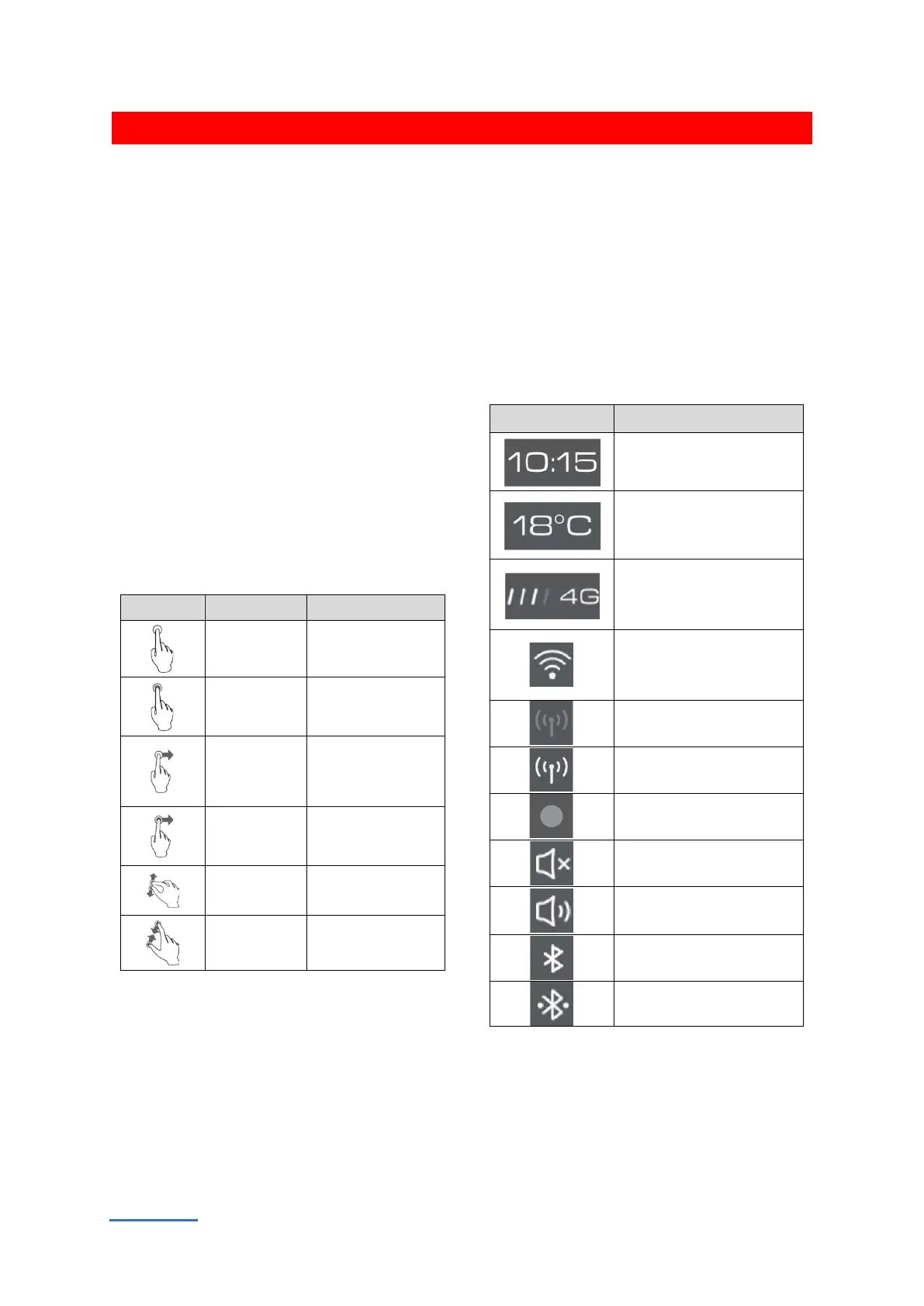
The multimedia display screen uses simple
gestures such as touching, swiping and dragging
for functions such as selecting a target, scrolling
through a list or moving an application.
Symbols in the multimedia display
status bar
The status bar symbols are shown at the top
of the multimedia display and show the status
of each function. Status bar symbols change in
real-time based on function characteristics,
signal strength, connection status or switch
status.


 To Next Page
 Loading...
