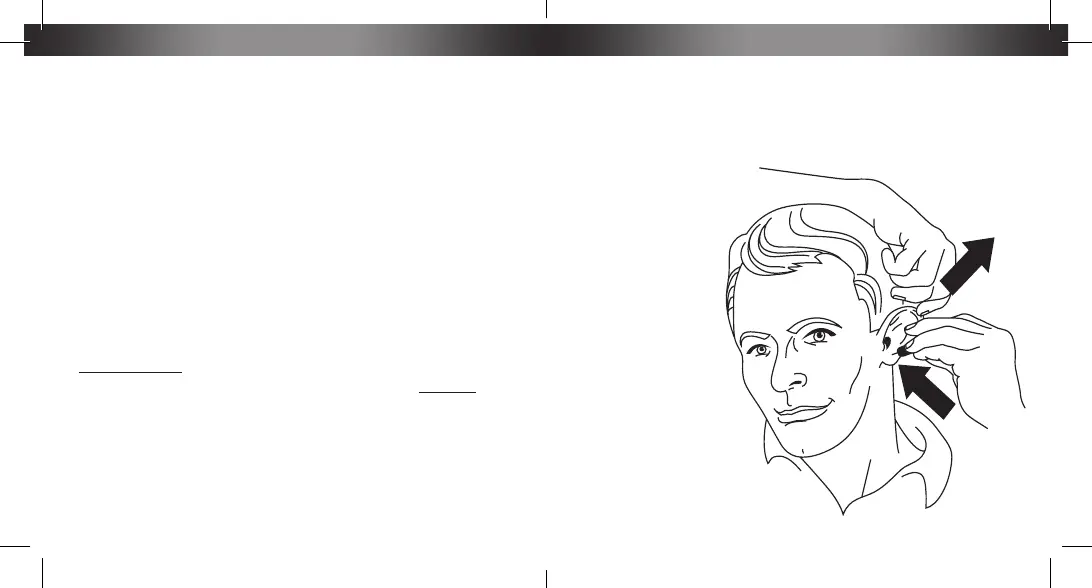
from your head to open your ear canal, as shown in the illustration
below. With your right hand, insert the earbud into your ear canal,
working it is as deeply as you are comfortable with for maximum
noise attenuation.
Repeat for the
opposite side.
Once the earbuds
have been placed,
the foam tips will
expand to fill your
ear canal, providing
you with superior
noise isolation and
the best possible
listening experience.
Fitting
ISOtunes
™
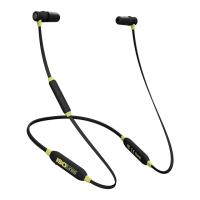
WIRED comes with 3 sets of Trilogy
™
Foam eartips
(S,M,L) and 4 sets of silicone eartips. The foam eartips have been
specifically designed for use with ISOtunes
™
WIRED and are
made from a heat-activated memory foam which allows long term,
comfortable wear and enhanced sound performance. The foam
eartips provide maximum noise reduction while the silicone eartips
are recommended for use in less noisy situations.
The device comes with the Medium size eartips already in place.
Choose the eartip size that fits most snugly in your ear canal.
Remember, the snugger the fit, the better the noise attenuation.
PLEASE NOTE: The core of the foam eartips are threaded, as are
the posts on the earphones that they attach to. Please GENTLY twist
foam on/off to replace the eartips.
In preparation for inserting the eartips, grasp the right earbud with
your right hand. With your left hand, compress the foam for easier
insertion. Once the foam is sufficiently compressed, release the
foam and use your left hand to pull your right ear back and away


 To Next Page