User's Guide
2-15
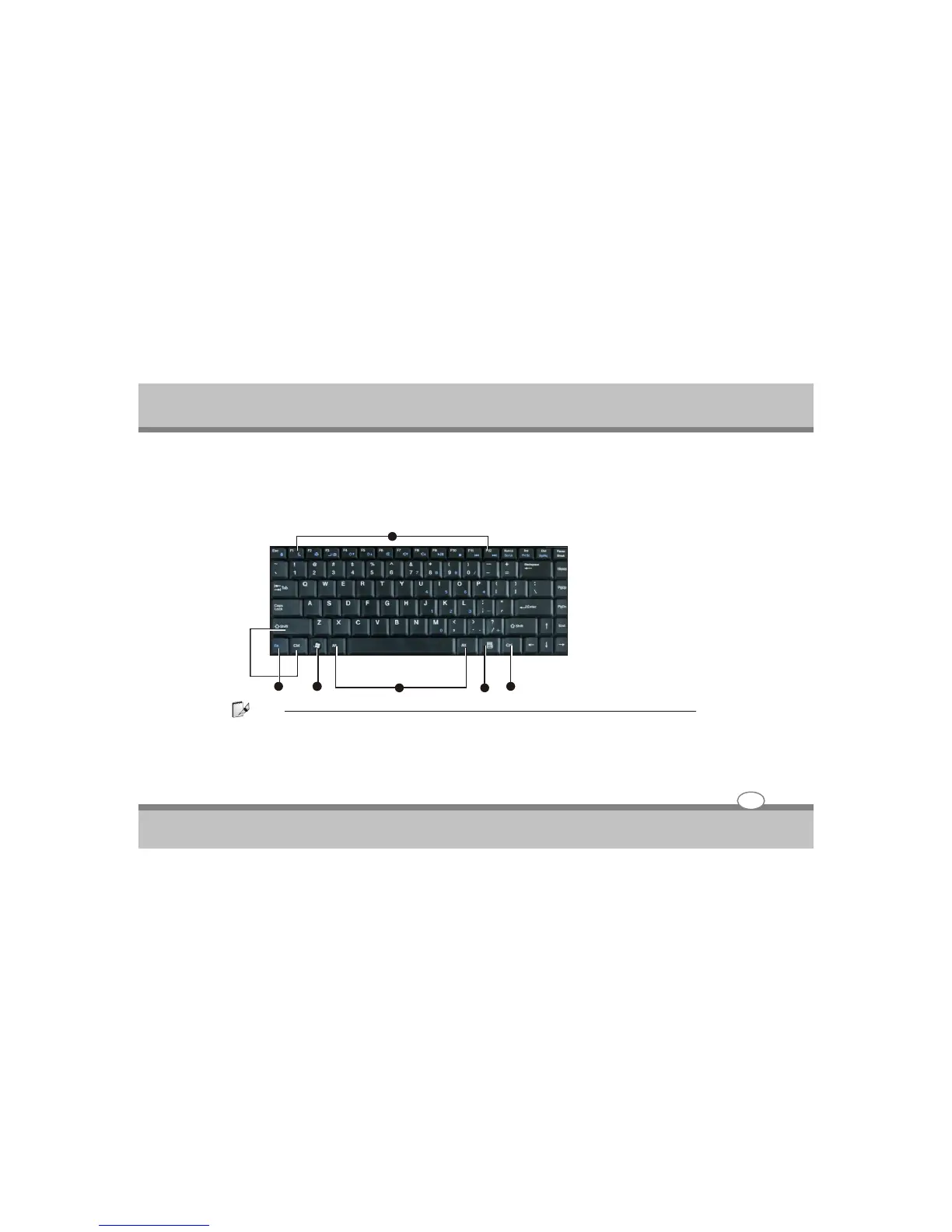
Understanding the Keyboard Functions
Your notebook computer is equipped with an 86 keys keyboard that provides all the functionality of a full-
sized 101 or 102-key keyboard. Aside from the standard typewriter-layout keyboard of your computer,
there are a number of extra features and function controls on the built-in keyboard including Windows
system hot keys.
Note:
Other Keyboards If your keyboard is damaged or you just want to make a change, you can use any standard
USB keyboard. The system will detect and enable it automatically. However special functions/AP-Key buttons
unique to the system’s regular keyboard may not work.
Knowing the Parts
1. Function Keys
2. Control Keys
3. Windows Start Menu Key
4. Control Keys
5. Windows Shortcut Key
1
2 3
5
2
4



 To Next Page