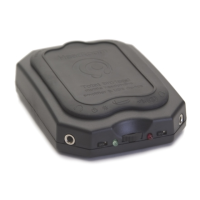
The BitHead is a portable headphone amplifier that can be used
both with a portable music player through the line input, and
with a computer or laptop as a USB audio device.
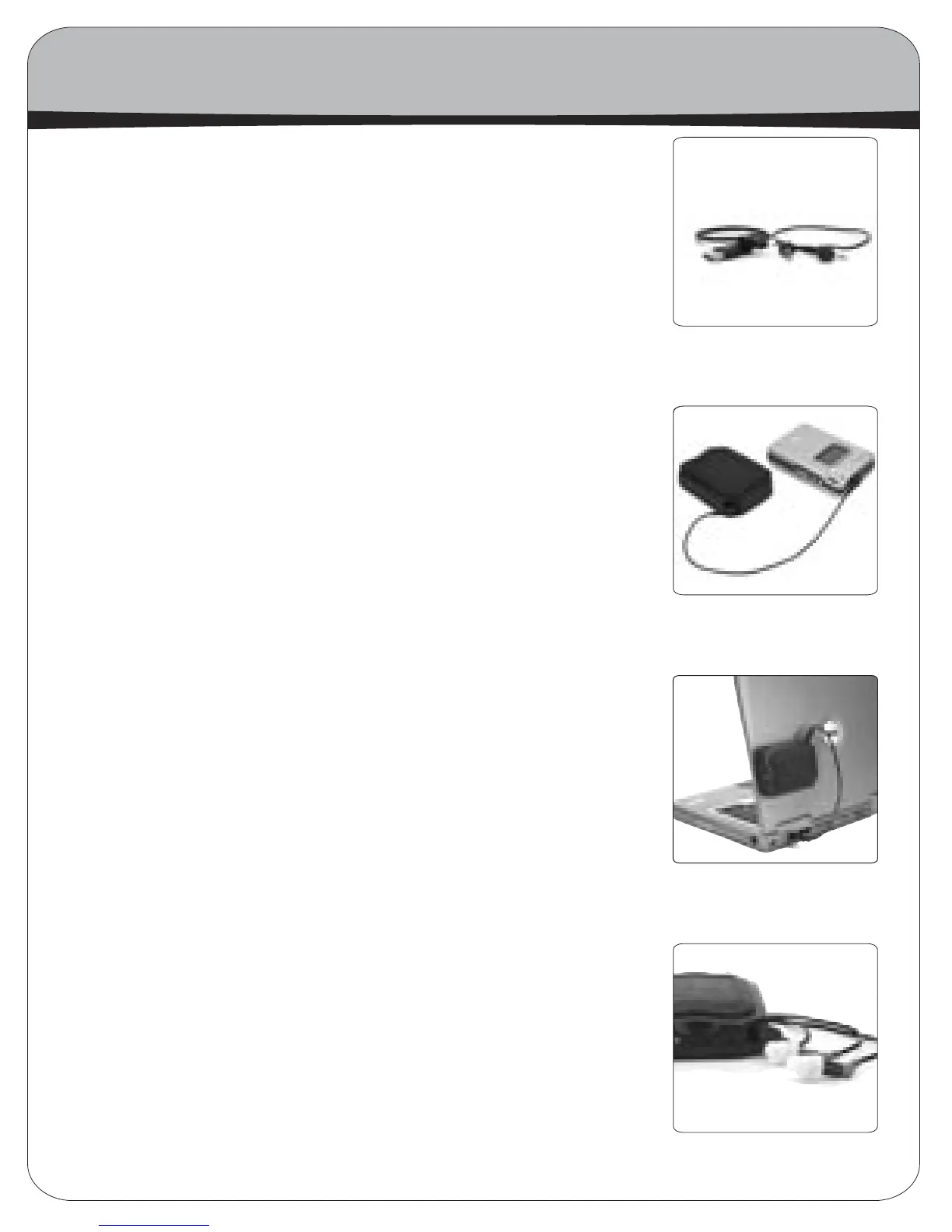
When hooking-up to a portable music player (like a portable
CD or MP3 player) simply use the included mini-to-mini cable
and connect the line output of the player to the line-in of the
BitHead. If no line out is available, use the headphone jack with
the volume knob set to 3/4, or two steps less than full volume
on digital players. On home audio equipment, connect the line-
in of the BitHead to any line-out using an RCA to stereo mini-
plug cable.
When hooking-up to the USB port on a computer simply connect
a USB A to mini-B cable between the BitHead and the computer
or USB hub. The computer should automatically recognize the
BitHead and configure it as the default sound device. You may
have to close and reopen currently running media applications
in order for them to recognize the audio device change. Apple
users may have to go to the computer control panel and select
the BitHead as the new sound audio device. In order to get the
highest sound quality, you should raise the computers soft-
ware volume control to full volume and adjust the volume con-
trol thumbwheel on the BitHead for the desired listening level
in your headphones. The BitHead can also act as a very good,
but simple sound card by connecting its headphone jack to your
desktop speaker system’s line-in.
Lastly, (it seems kind of obvious) plug your headphones into
either of the two headphone jacks on the BitHead. If your head-
phones are terminated to a large 1/4” headphone plug, the 1/4”
plug may detach to reveal an 1/8” plug underneath. If not, you’ll
need a 1/4”-to-1/8” adapter plug. HeadRoom sells these adapt-
ers if you need to purchase one, visit headphone.com for more
information.
How to Hook Up Your BitHead Amp
mini-mini & USB cables
BitHead, mini cable,
player
BitHead, USB cable,
laptop
BitHead with Etymotics
6
How to Hook Up Your Bithead Amp


 To Next Page
 Loading...