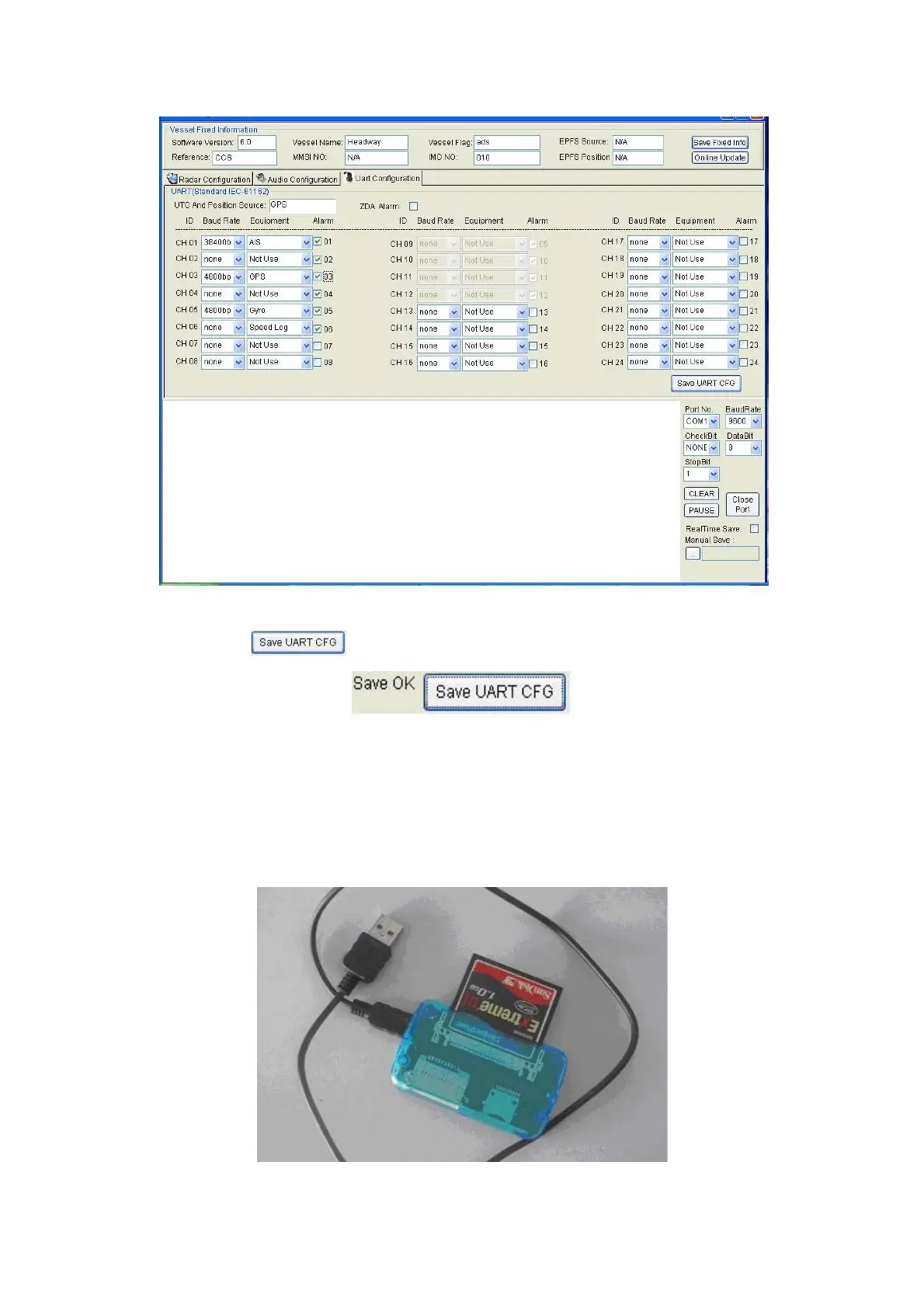
And then please click the
. The “Save OK” will be shown on the left of it. Like this
Then please insert the CF card into the Main Cabinet Unit and switch on it.
2.1.4RadarImageadjust.
Please switch off the power and take out the CF card in the Main Cabinet Unit. I mean the PROGRAM DISK. It is
behind of the BACKUP DISK. Insert the CF card in to the CF card reader. As following:



 To Next Page