DC Power:
X10: Red X11: Black
Battery:
X2: Black X1: Red
Lamp:
X8: Red X9: Black
Output:
X3: Blue X4: Red X5: Yellow X6: N/A X7: Black
PCB 2:
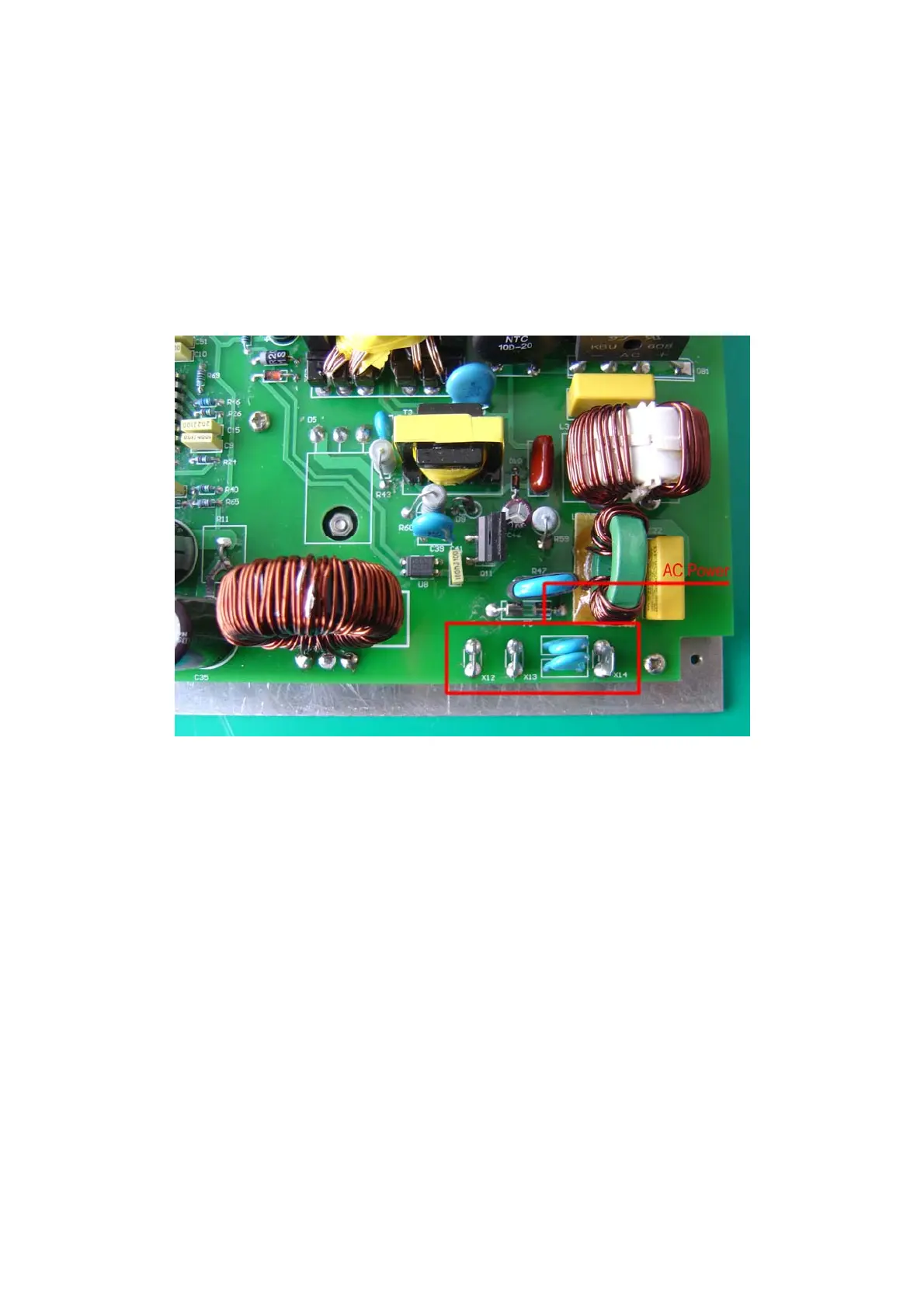
AC Power:
X12: Red X13: Black X14: Yellow
When “SHIPDC” appears here, it indicates that the 110/220V power has been cut off, and the SVDR system is
powered by the emergency power of the vessel. We can press “ACK FLASH” to stop flashing, press “Mute” to stop
buzzing and search for the causes. First, check if the power supply is still charged with electricity, and the
connection is good or not. If the connection is good, after plugging in the main power supply, the Remote Alarm
Panel will indicate AC power supply. In case of emergency, in order to save PDC data, it is necessary to press both
“ACK FLASH and TEST buttons at the same time until “backup 01” appears on the screen, and the data of latest
12 hours will be saved in the big Backup Disk forever. After successful backup, “BACKUP 01” will appear on the
screen. “SYSTEM OK” indicates that the system is working normally.


 To Next Page
 Loading...