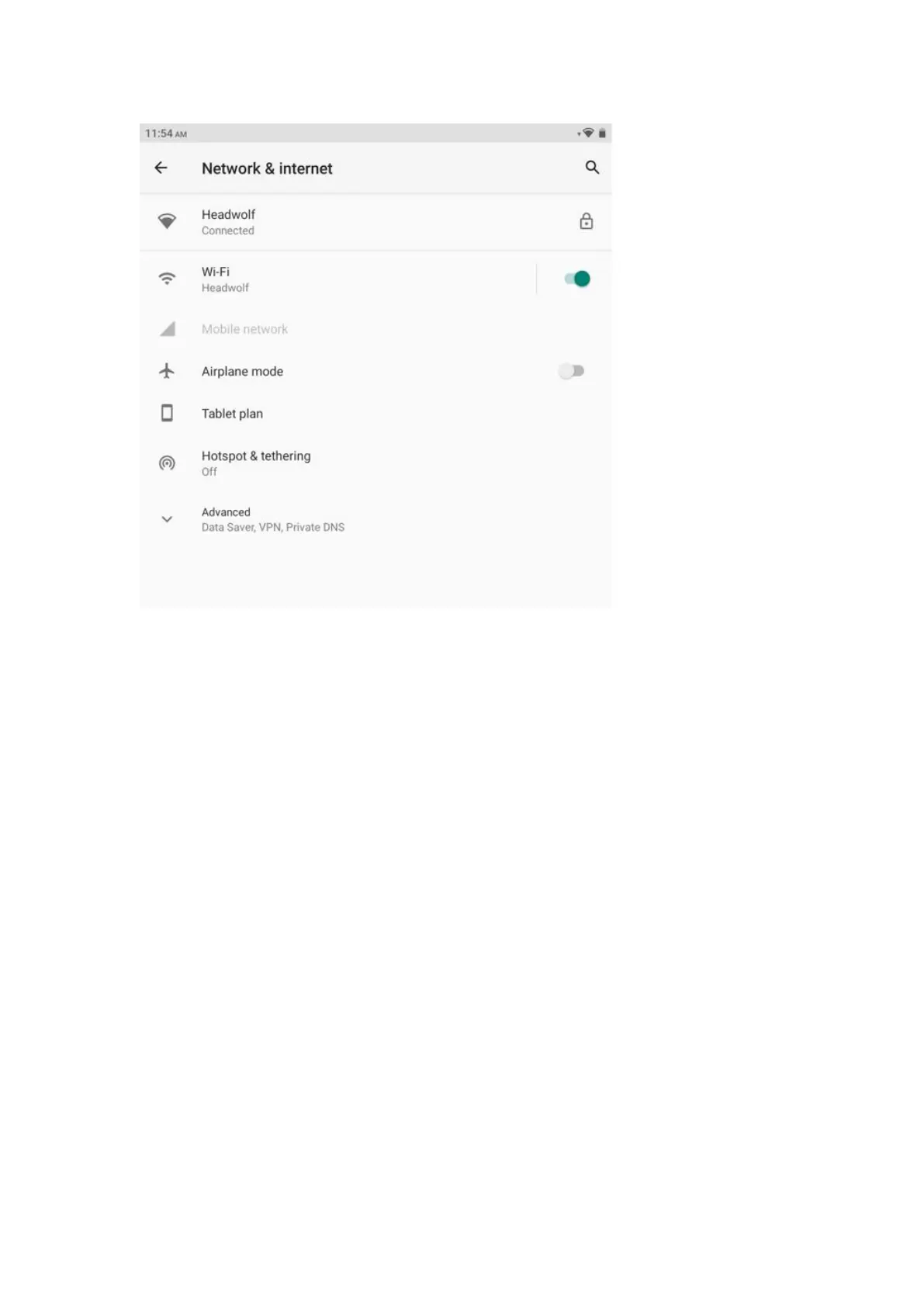
Before connecting to the Internet, you need to set up your wireless network.
Setting a WLAN Network
* Set up the mobile network
Setting a VPN Network
You can also share your mobile network with others by setting up a hotspot.
Setting a WLAN Network
1. Choose Settings > WLAN.
2. Start the WLAN module, tap a WLAN hotspot in the list, and enter the WLAN password
to connect to the Internet.
* Set up the mobile network
1. Go to Settings > Mobile Networks.
2. Open your carrier service and then enable mobile data network.
Note: You need a valid SIM card with data services. If you do not have a SIM card, please
contact your carrier.



 To Next Page