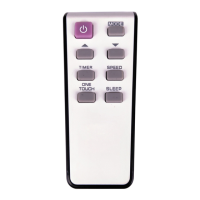
Owner’s Manual Remote ContRolleR Heat Controller, Inc.
5
Function Buttons (continued)
ION and FOLLOW buttons
are optional functions.
Press this recessed button to lock all current set-
tings. Use the LOCK mode when you want to
prevent settings from being changed accidentally.
Press the LOCK button again to cancel the LOCK
function. A key symbol will appear on the remote
controller display when the lock function is activated.
TIMER OFF Button
to maintain the most comfortable temperature
ECONOMY Button (Sleep Mode)



 To Next Page
 Loading...