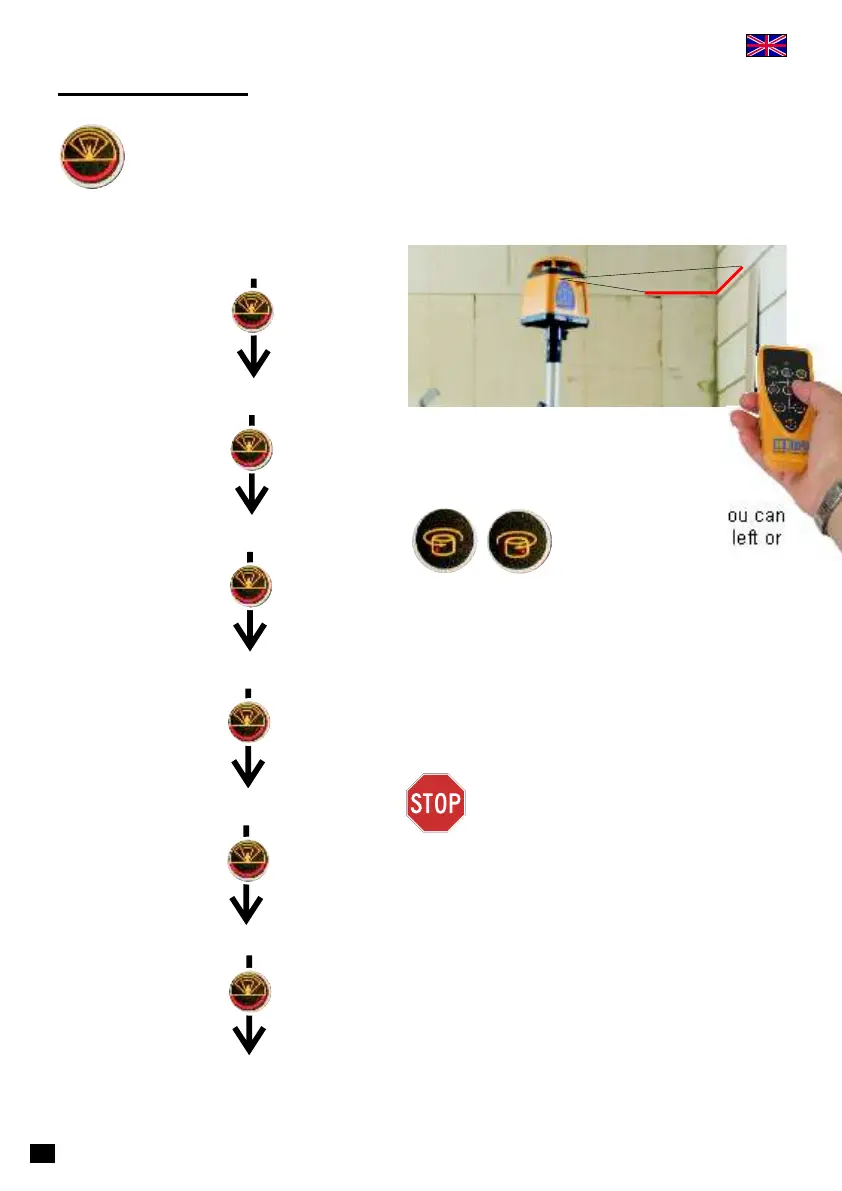
Scan Mode
Key to choose angle for scan mode.
Rotation
0° (dot mode)
0° (dot mode)
app. 5°
app. 20°
app. 70°
app. 100°
The length of laser line is
determined by scanning angle.
With these keys you can
move laser line to left or
right.
Within steps 70° or 100° the laser
line can carry out an unwanted
movement to the left or right. Use
remote control to bring back to
right position.
14



 To Next Page