EN EN
Extension module KWL-EM eC for easyControls
Operating Instructions
6
The KWL unit must be connected to the internet for configuration via the easy-
Controls cloud service�
5�2 Electrical post-heating
KWL system with electrical post-heating, external (SS-1424)
5�2�1 Components required for installation
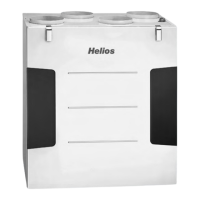
– Ventilation unit with easyControls 3.0 control system
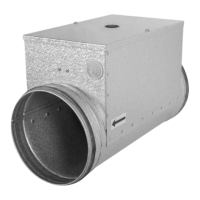
– EHR 1.2/125 or EHR 2.4/160
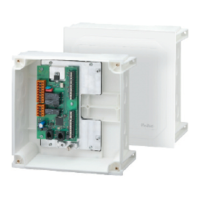
– 1 x KWL-EM eC
– KWL-LTK eC
5�2�2 Setup via web interface
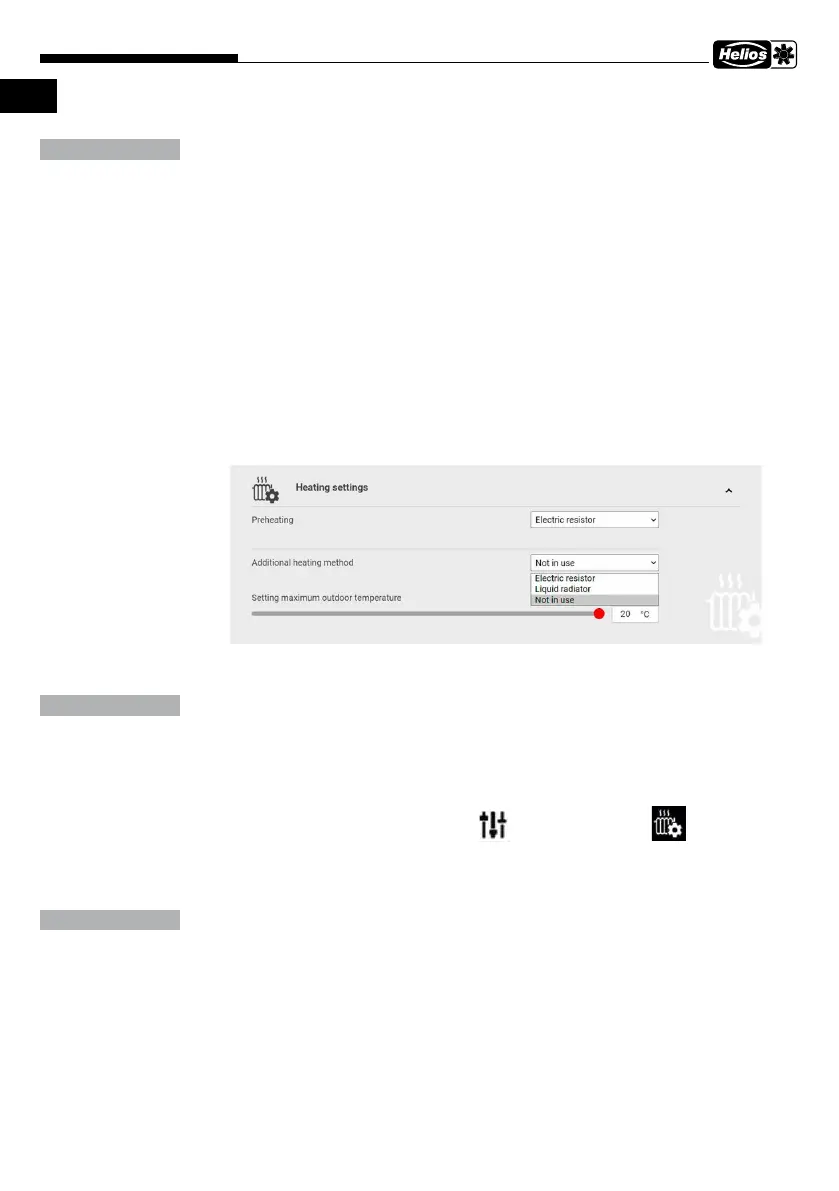
1. Select the menu item Configuration on the web interface and Heating settings in the
submenu.
2. Select Auxiliary heating, Electrical post-heating.
The max� outdoor temperature setting defines the max� outdoor temperature up to
which the post-heating is active�
3. The desired supply air temperature can now be individually set on the homepage in
the ventilation profiles.
5�2�3 Setup via the KWL-BE Touch controller
1. Select the menu item Configuration and Heating settings in the submenu.
2. Select Auxiliary heating, Electrical post-heating.
The max� outdoor temperature setting defines the max� outdoor temperature up to
which the post-heating is active�
3. The desired supply air temperature can now be individually set on the homepage in
the ventilation profiles.
NOTE
NOTE
NOTE


 To Next Page